
TL;DR:
- Choosing appropriate fonts enhances brand perception and trustworthiness.
- Limit to two or three font families for consistency and performance.
- Prioritize readability, accessibility, and proper implementation to boost engagement.
Your website has seconds to make an impression. If visitors land on your site and feel something is slightly off, they may not be able to explain why, but they will leave. Often, the culprit is typography. The fonts you choose communicate your brand’s personality, values, and professionalism before a single word is read. Poor font choices erode trust and push potential customers away. Smart ones do the opposite. This guide walks you through everything you need to know, from understanding the role of fonts in your brand identity to a practical, step-by-step process for choosing and implementing fonts that work hard for your business.
Table of Contents
- Understanding the role of fonts in brand identity
- What to consider before picking website fonts
- Step-by-step guide: Choosing and implementing website fonts
- Troubleshooting and avoiding common font mistakes
- Why getting font choices right is more vital than you think
- Take your brand further with expert guidance
- Frequently asked questions
Key Takeaways
| Point | Details |
|---|---|
| Fonts shape first impressions | Typography directly influences how professional and trustworthy your business appears online. |
| Readability boosts engagement | Clear, accessible font choices can increase audience retention and minimise negative feedback. |
| Performance matters | Selecting, hosting, and optimising fonts properly keeps your website fast and user-friendly. |
| Limit font variety | Using a cohesive set of two or three fonts maintains brand consistency and site clarity. |
Understanding the role of fonts in brand identity
Fonts are not decoration. They are communication. The moment someone lands on your website, your typography tells a story about who you are. A bold, geometric sans-serif signals modernity and confidence. A flowing serif whispers heritage and authority. A playful rounded typeface suggests friendliness and approachability. You are making these impressions whether you choose your fonts deliberately or not.
The role of fonts in branding goes far deeper than aesthetics. Fonts shape how readable your content is, how long visitors stay, and whether they trust you enough to get in touch. Consistency in typography across your website, social media, and printed materials reinforces recognition. When your fonts are inconsistent or clash with your other visual identity elements, the whole brand feels fragmented.
Here are the key ways fonts influence your brand perception:
- Personality at a glance: Serif fonts feel established and trustworthy; sans-serif fonts feel clean and modern; script fonts feel personal but can be hard to read.
- Readability drives trust: If visitors struggle to read your content, they will not stick around. Clear, legible fonts reduce friction and build confidence.
- Consistency signals professionalism: Using the same font families across every touchpoint tells customers you pay attention to detail.
- Decorative fonts carry risk: Highly stylised fonts may look distinctive but can undermine accessibility and clarity, especially for users with visual impairments.
One common misconception is that using popular free fonts is always a safe bet. While Google Fonts are used on 47% of websites, their ubiquity means your brand can easily blend in rather than stand out. There are also privacy and performance considerations that push many savvy businesses towards self-hosting their fonts instead.
Another misconception is that decorative fonts are always a good way to express personality. They can boost identity, but they harm readability and accessibility when overused. For small businesses, function should come first.
“Good typography is not about choosing a beautiful font. It is about choosing the right font for the right purpose, and then using it with discipline.”
Good typography boosts engagement significantly. The Plain English Campaign found 50% fewer complaints when plain, readable text was used. Variable fonts can cut load times by 30%. Poor font choices, on the other hand, increase bounce rates. The numbers make a compelling case for taking this seriously.
What to consider before picking website fonts
Before you open a font catalogue and start browsing, you need a clear set of criteria. Choosing fonts without a framework leads to decisions based on gut feeling alone, which is rarely consistent with your brand strategy.

Start by auditing your existing brand assets. Your logo, colour palette, and industry all provide strong cues. A law firm and a children’s toy shop should never share the same typeface. Your fonts must feel like they belong to the same family as your other design choices. If you are still choosing a website template, factor typography into that decision from the outset.
Here is a practical checklist to work through before selecting any font:
- Brand alignment: Does the font reflect your industry, values, and target audience?
- Readability: Sans-serif fonts are preferred for body text, with a minimum size of 16px, a line height of 1.4 to 1.6, and line lengths of 45 to 75 characters.
- Contrast: Maintain at least a 4.5:1 contrast ratio between text and background to meet WCAG AA accessibility standards.
- Web accessibility: Avoid script or heavily decorative fonts for long-form text. Left-align body copy and avoid all-caps paragraphs.
- Device and browser compatibility: Test your chosen fonts across mobile, tablet, and desktop before committing.
- Performance: Use WOFF2 file formats, consider self-hosting, and use loading techniques like preloading to keep your site fast.
- Licensing: Always use fonts from reputable sources with clear licensing terms. Free does not always mean free for commercial use.
Pro Tip: Before finalising any font, paste a paragraph of your actual website copy into a font preview tool. Seeing your real words in the font reveals readability issues that sample text often hides.
| Consideration | What to check | Why it matters |
|---|---|---|
| Brand fit | Matches logo, palette, industry | Consistency builds recognition |
| Readability | 16px+, 1.4-1.6 line height | Reduces bounce, builds trust |
| Accessibility | 4.5:1 contrast, no script for body | Inclusive design, legal compliance |
| Performance | WOFF2, self-hosted, preloaded | Faster load, better SEO |
| Licensing | Commercial use permitted | Avoids legal risk |
Step-by-step guide: Choosing and implementing website fonts
Now that you know what matters before picking fonts, it is time to put these insights into action, step by step.
-
Audit your brand assets. Gather your logo files, brand guidelines, and any existing marketing materials. Note the style, weight, and personality of your current typography. This gives you a starting point rather than a blank canvas.
-
Shortlist font families. Aim for two to three font families. Prioritise web-safe fonts or properly licensed options. Look at Google Fonts, Adobe Fonts, or premium sources like Fontspring. Narrow your shortlist to fonts that feel right for your brand personality.
-
Pair heading and body fonts. Your heading font can be more expressive and distinctive. Your body font must prioritise readability above all else. A common pairing approach is a serif heading with a sans-serif body, or a bold display font with a neutral, clean body typeface.
-
Test combinations thoroughly. Use tools like Fontjoy or Google Fonts preview to test pairings. Check readability at different sizes, on different devices, and in both light and dark modes. Ask someone outside your business to read a page and give honest feedback.
-
Implement with best practices. Self-hosting fonts is increasingly the standard. According to 2025 performance benchmarks, 88% of sites use web fonts, 72% self-host, and WOFF2 is the dominant format at 65% usage. The median font file sits at 35 to 40KB. Use "font-display:swap` to prevent invisible text during load, preload your critical fonts, and subset your fonts to include only the characters you need.
-
Verify accessibility and iterate. Run your site through a contrast checker. Confirm body text is at least 16px. Check that headings follow a logical hierarchy. Review on mobile. Then refine.
Pro Tip: Variable fonts are worth considering. They allow a single font file to cover multiple weights and styles, which can reduce font load by up to 30% compared to loading multiple static font files.
| Implementation step | Recommended approach | Benefit |
|---|---|---|
| File format | WOFF2 | Smallest file size, widest support |
| Hosting | Self-hosted | Privacy, speed, control |
| Loading | Preload + font-display:swap | No invisible text, faster render |
| File size | Subset to needed characters | Leaner files, faster load |
| Font families | Max 2-3 | Cohesion and performance |
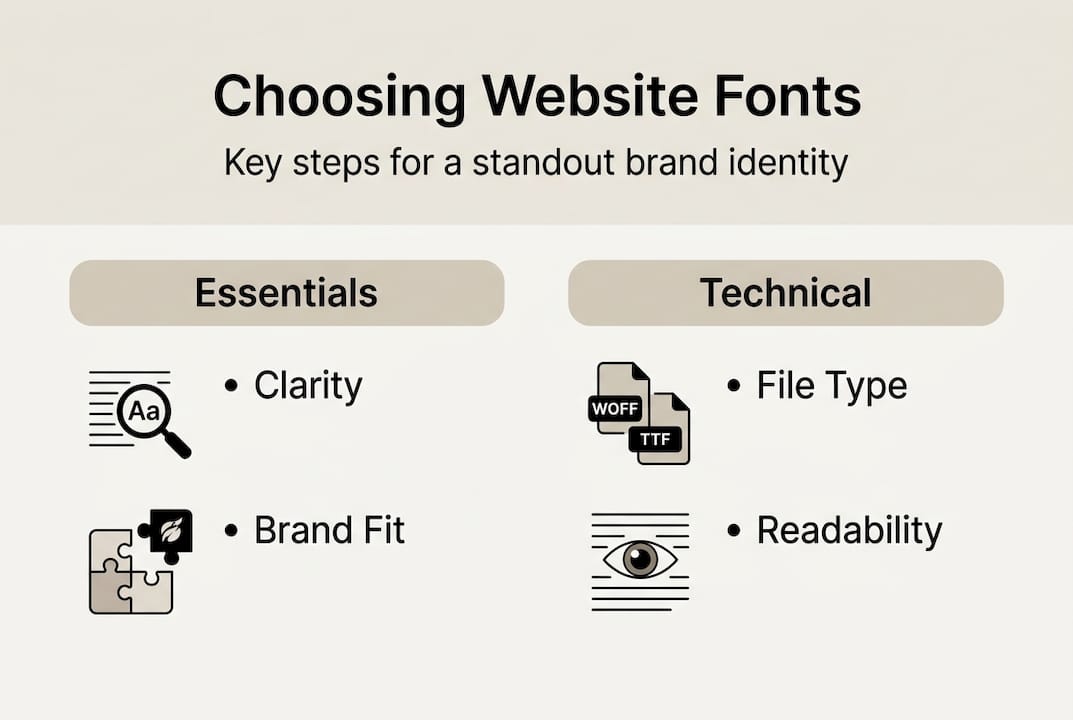
Troubleshooting and avoiding common font mistakes
You have learned the right process, but which mistakes should you watch out for as you implement these tips?
The most damaging errors are often the most common. Here is what to look out for:
- Low contrast: If your text colour and background are too similar, readability suffers. This is one of the most frequent accessibility failures on small business websites. Use a free contrast checker tool to verify every text and background combination.
- Too many font families: Using four or five different fonts creates visual noise and signals a lack of brand discipline. Stick to two or three maximum. Good typography boosts engagement while poor choices increase bounce rates, and cluttered font use is a fast track to losing visitors.
- Relying on decorative fonts for body copy: Script and display fonts are eye-catching in headlines. In paragraphs, they become exhausting to read and exclude users with dyslexia or visual impairments.
- Skipping device testing: A font that looks elegant on a desktop can become cramped and illegible on a small mobile screen. Always test across real devices, not just browser emulators.
- Not self-hosting your fonts: Relying on third-party font delivery, such as loading directly from Google Fonts servers, introduces performance latency and potential GDPR privacy concerns for UK businesses. Self-hosting gives you full control.
Pro Tip: Set up a simple style guide page on your website, visible only to you, that shows all your font choices in use. Headings, body copy, captions, and buttons. This makes it easy to spot inconsistencies before they reach your visitors.
The website design tips that make the biggest difference are rarely dramatic. Often, it is fixing low contrast or reducing font families that transforms how professional a site feels overnight.
Why getting font choices right is more vital than you think
Here is something we have observed over more than a decade of working with small UK businesses: most owners think of typography as a finishing touch. Something to sort out at the end, after the big decisions are made. That thinking is costly.
Fonts are not cosmetic. They are structural. When a visitor lands on your site and the typography feels wrong, even if they cannot name why, their confidence in your business drops. That lost confidence rarely recovers during the same visit. The role of fonts in branding is not subtle. It is central.
We have also seen businesses spend significant budget on photography, copy, and advertising, only to see poor conversion because the typography undermined everything else. A cheap or default font can cost you far more in lost engagement than a properly licensed, well-chosen typeface ever would.
The good news is that small, deliberate changes deliver outsized results. Self-hosting your fonts, subsetting them, and choosing a pairing that genuinely reflects your brand is not a large investment. But the return, in credibility, trust, and engagement, is remarkable. Typography is one of the few areas where attention to detail creates a competitive advantage that is genuinely difficult for competitors to replicate.
Take your brand further with expert guidance
Typography is just one piece of a powerful brand identity, but it is a piece that touches everything. Getting it right takes time, expertise, and a clear vision of who you are and who you serve.

At Kukoo Creative, we have spent over a decade helping small UK businesses build brands that connect and convert. From how logo design impacts your brand to crafting a complete essential brand identity guide, we know what it takes to make your business look and feel extraordinary. If you are ready to stop guessing and start building a brand that truly stands out, our team is here to help. Explore our work and get in touch for expert web design support tailored to your business.
Frequently asked questions
How many different fonts should I use on my website?
Use two to three font families at most to maintain a cohesive and professional look. More than that creates visual clutter and weakens your brand consistency.
What is the best font size and line height for website readability?
Body text should be at least 16px with a line height of 1.4 to 1.6 for optimal readability across devices.
Is it better to use web fonts or system fonts for my business site?
System fonts load fastest but lack brand distinction. Self-hosted web fonts with proper optimisation offer the best balance of brand expression and performance.
How do fonts impact my website’s performance?
Large or unoptimised fonts slow loading times. Using WOFF2 with preloading and font subsetting keeps your site fast and responsive.
Do fonts really affect how customers see my business?
Absolutely. Good typography boosts engagement and trust, while poor font choices increase bounce rates and undermine your brand’s credibility.