
Finding your way around a website should feel as natural as walking down your local Leeds high street, yet many small business owners discover that visitors often get lost or give up before reaching key information. If your website navigation confuses customers, it could be quietly weakening trust and missing crucial sales opportunities. By uncovering the truth behind common navigation myths and highlighting the value of intuitive pathways, you will learn practical strategies to make your website simpler, clearer, and far more effective in keeping customers engaged.
Table of Contents
- Website Navigation Defined and Common Myths
- Key Types of Website Navigation Explained
- How Navigation Shapes User Experience
- Website Navigation’s Role in SEO and Conversions
- Costly Mistakes Leeds Businesses Must Avoid
Key Takeaways
| Point | Details |
|---|---|
| Understanding User Psychology is Key | Designing navigation requires insights into how users mentally process information to avoid confusion. |
| Employ Diverse Navigation Types | Utilize global, local, contextual, and utility navigation to create an effective user journey. |
| Simplify Navigation to Enhance User Experience | Overcomplicated menus and inconsistent structures reduce user trust; clarity is essential. |
| Regular Testing is Crucial | Conduct user testing and analyse navigation data to continuously optimise the design for better performance. |
Website Navigation Defined and Common Myths
Website navigation represents the digital roadmap guiding users through your online environment, determining how efficiently visitors find information and interact with your digital presence. Understanding its nuanced mechanics goes far beyond simple menu design.
Psychologically, navigation is more complex than most business owners realise. Psychological navigation principles reveal that users don’t just click randomly – they follow intuitive pathways based on cognitive expectations and mental models. These pathways must align with how humans naturally process information.
Common navigation myths can seriously undermine your website’s effectiveness. Here are the most prevalent misconceptions:
- Users understand your website’s structure automatically
- Navigation is just about placing menu items
- Visitors will always find what they need through linear searching
- Complex navigation demonstrates technical sophistication
- Internal familiarity means external clarity
Reality tells a different story. User behaviour research demonstrates that visitors frequently struggle, often attempting multiple paths before locating desired content. This means your navigation must be deliberately crafted, not assumed.
Effective navigation requires understanding user psychology, anticipating potential user journeys, and creating clear, predictable pathways. It’s about reducing cognitive load and making information discovery feel effortless.
Pro tip: Conduct regular user testing to validate your website’s navigation design and identify potential user experience friction points.
Key Types of Website Navigation Explained
Website navigation isn’t a one-size-fits-all solution. Different websites require strategic combinations of navigation types to guide users effectively through their digital landscape. Understanding these variations can transform how Leeds SMEs approach their online presence.
Website navigation strategies typically encompass four primary types, each serving a unique purpose in user interaction:
- Global Navigation: The primary, consistent menu appearing across all website pages
- Local Navigation: Subcategory links specific to particular website sections
- Contextual Navigation: Links dynamically related to specific page content
- Utility Navigation: Action-oriented links like login, search, or contact functions
Global navigation acts as the backbone of your website’s structure, providing users with a consistent roadmap across different pages. This typically includes main menu items like Home, About, Services, and Contact, enabling visitors to understand your site’s core architecture at a glance.

Local navigation drills deeper, offering more granular exploration within specific sections. For a Leeds-based SME website, this might mean expanding service categories, showcasing detailed team information, or providing location-specific content that helps users navigate more precisely.
Contextual navigation represents the most dynamic approach, presenting links and suggestions based on the specific content a user is currently viewing. This intelligent navigation helps users discover related information naturally, increasing engagement and time spent on your site.
Effective navigation isn’t about complexity – it’s about creating intuitive pathways that feel effortless to users.
Utility navigation focuses on functional elements that help users complete specific actions. These might include search bars, account login/logout buttons, shopping cart icons, or language selection options that enhance overall user experience.
Here’s a comparison of website navigation types and their primary functions:
| Navigation Type | Primary Role | Typical Use Case Scenario |
|---|---|---|
| Global Navigation | Maintains cross-site consistency | Main menu on every page |
| Local Navigation | Supports in-section browsing | Service categories for specific regions |
| Contextual Navigation | Suggests related content dynamically | ‘Related articles’ within a blog post |
| Utility Navigation | Provides essential user actions | Login, search, language switch |
Pro tip: Regularly analyse your website’s heat maps and user journey data to continuously refine and optimise your navigation design.
How Navigation Shapes User Experience
User experience represents the emotional journey visitors undergo while interacting with a website. Navigation serves as the primary mechanism guiding this journey, transforming complex digital spaces into intuitive, accessible environments.
Website navigation design fundamentally determines how users perceive and interact with digital platforms. The right navigational structure can dramatically reduce user frustration and increase engagement.
Key ways navigation impacts user experience include:
- Reducing cognitive load by presenting clear pathways
- Minimising user confusion and disorientation
- Creating predictable interaction patterns
- Establishing visual hierarchy and information flow
- Supporting efficient content discovery
Users typically make split-second decisions about whether a website feels trustworthy and user-friendly. Intuitive navigation signals professionalism and demonstrates respect for the visitor’s time and attention. For Leeds SMEs, this means crafting navigation that feels effortless and aligned with local user expectations.
Psychologically, effective navigation acts like a digital wayfinding system. Just as clear street signs help pedestrians navigate a city, website menus guide users through complex information landscapes. The goal is creating a sense of spatial understanding that helps visitors feel confident and oriented.
Good navigation transforms complexity into simplicity, turning potential user frustration into a seamless, enjoyable experience.
Mobile responsiveness adds another critical layer to navigation design. With increasing smartphone usage, navigation must adapt fluidly across different screen sizes, ensuring consistent user experience whether accessing a site from a desktop or mobile device.
Pro tip: Conduct regular user testing and analyse heat map data to continuously refine your website’s navigation strategy.
Website Navigation’s Role in SEO and Conversions
Search engine optimisation and user conversion are intrinsically linked to website navigation, representing far more than simple menu design. For Leeds SMEs, understanding this connection can transform digital marketing performance and online business success.
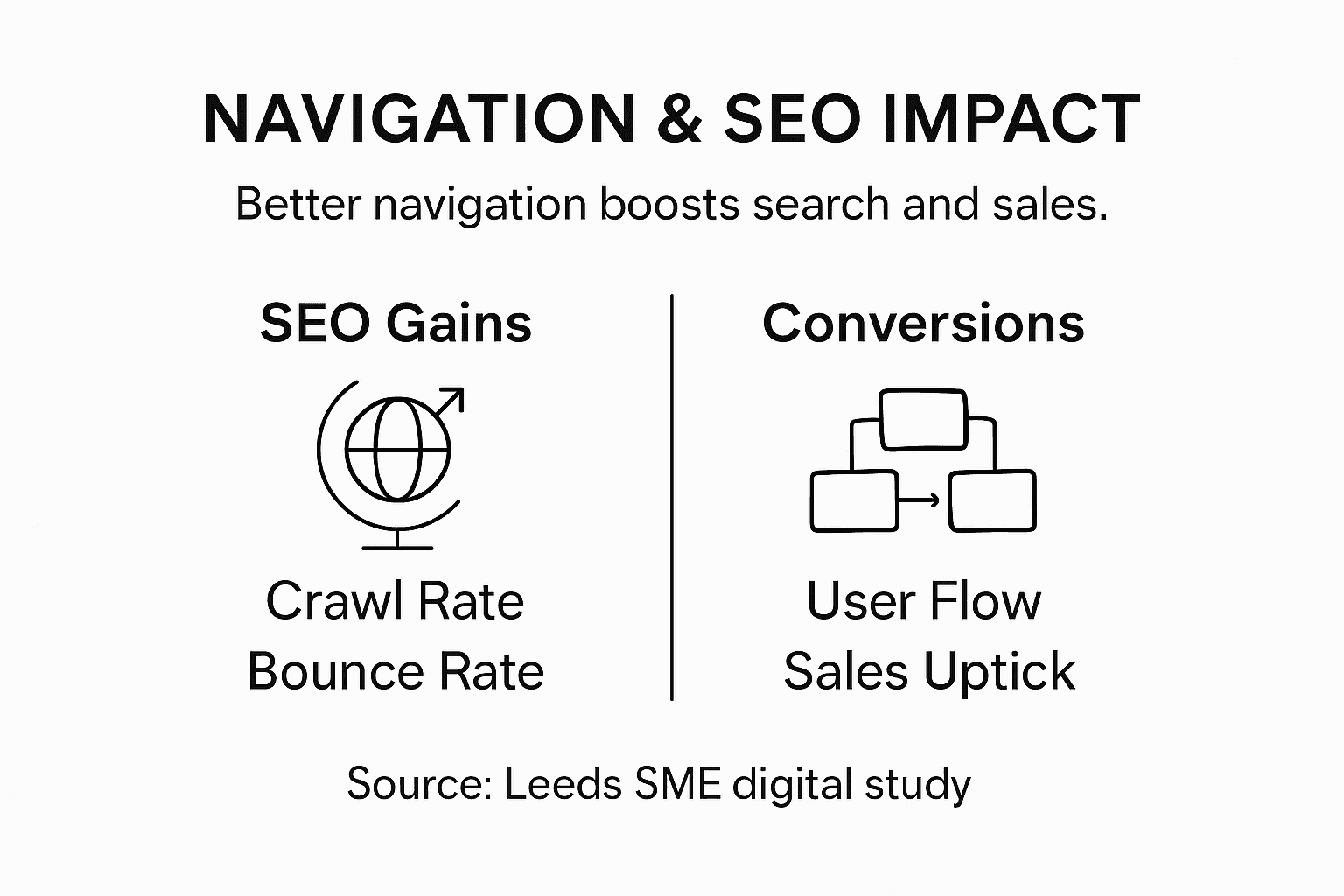
Navigation architecture significantly influences search engine visibility and user engagement, creating a critical intersection between technical design and marketing strategy.
Key SEO and conversion benefits of strategic navigation include:
- Improved website crawlability for search engines
- Enhanced user journey and content discovery
- Reduced bounce rates
- Increased time spent on site
- Clearer internal linking structures
- More intuitive pathways to conversion points
Search engines like Google use website navigation as a critical signal for understanding content hierarchy and relevance. A well-structured navigation system helps search engine algorithms comprehend your website’s architecture, enabling more accurate indexing and potentially improving search rankings.
From a conversion perspective, navigation acts as a psychological guide. By creating clear, intuitive pathways, you reduce user friction and make it easier for potential customers to find what they need. This streamlined experience directly correlates with higher conversion rates and improved business outcomes.
Effective navigation transforms websites from mere information repositories into strategic conversion tools.
Mobile responsiveness further amplifies navigation’s importance. With increasing mobile traffic, navigation must adapt seamlessly across devices, ensuring consistent user experience and maintaining SEO performance.
Pro tip: Conduct quarterly navigation audits, analysing user flow and conversion data to continuously refine your website’s structural design.
Below is a summary outlining the business impact of effective website navigation for Leeds SMEs:
| Area Improved | Example Benefit | Business Outcome |
|---|---|---|
| User Experience | Quicker content discovery | Increased visitor retention |
| Search Visibility | Improved site crawlability | Higher Google rankings |
| Conversion Rates | Clearer pathways to key actions | More online enquiry submissions |
| Brand Perception | Consistent, professional impression | Enhanced customer trust |
Costly Mistakes Leeds Businesses Must Avoid
Website navigation mistakes can silently sabotage online performance, transforming potential customer interactions into missed opportunities for Leeds businesses. Understanding these pitfalls is crucial for maintaining a competitive digital presence.
Common navigation design errors frequently undermine user experience and business credibility, creating invisible barriers that drive potential customers away.
The most critical navigation mistakes Leeds businesses consistently make include:
- Overcomplicated menu structures
- Inconsistent navigation across different website pages
- Unclear or generic menu labels
- Lack of mobile-responsive design
- Hidden or obscured call-to-action buttons
- Non-intuitive page hierarchies
Overcomplicated menus overwhelm users, creating cognitive friction that interrupts their natural browsing flow. In the competitive Leeds market, where user attention is fleeting, every unnecessary click represents a potential lost customer. Businesses must prioritise clarity and simplicity in their navigation design.
Inconsistent navigation destroys user trust and creates confusion. When menu structures change unpredictably between pages, visitors become disoriented, increasing bounce rates and reducing the likelihood of conversion. A cohesive, predictable navigation system signals professionalism and reliability.
Navigation is not just about getting users from point A to point B – it’s about creating a smooth, trustworthy journey that reflects your brand’s quality.
Mobile responsiveness represents another critical consideration. With over 60% of web traffic originating from mobile devices, navigation must adapt seamlessly across different screen sizes, ensuring an equally intuitive experience for smartphone and desktop users.
Pro tip: Conduct monthly navigation usability tests, gathering real user feedback to continuously refine and optimise your website’s structural design.
Transform Your Leeds SME’s Website Navigation Into a Powerful Growth Engine
Navigating the digital landscape can feel overwhelming, especially when common navigation myths create hidden barriers that deter your customers. This article highlights how effective website navigation—through clear global menus, local and contextual links, and user-friendly utility navigation—is essential for Leeds SMEs to reduce user frustration and boost online engagement. If you struggle with complex menu structures or inconsistent navigation that confuse visitors and lower conversions, it is time to take control.
At Kukoocreative, we specialise in helping businesses like yours craft purposeful website navigation that respects user psychology and ensures seamless customer journeys. Our decade of experience in impactful design means we understand how vital intuitive pathways are to enhance brand recognition and drive conversions.
Ready to make your website easier to navigate and convert more visitors? Discover how our expert team can refine your digital presence through smart design and user-focused navigation. Visit our website today and start transforming your online experience into stronger customer connections. Learn more about our holistic approach by exploring how we create impactful websites that truly connect you with the people who matter most.
Frequently Asked Questions
What is website navigation?
Website navigation refers to the digital roadmap guiding users through a website, helping them efficiently find information and interact with the site.
Why is effective website navigation important for user experience?
Effective navigation reduces cognitive load, minimizes user confusion, and creates predictable interaction patterns, leading to a more enjoyable and efficient browsing experience.
How does navigation impact SEO and conversions?
Good navigation enhances website crawlability, improves content discovery, reduces bounce rates, and creates clear pathways to conversion points, ultimately boosting business performance.
What common mistakes should I avoid in website navigation?
Common mistakes include overcomplicated menu structures, inconsistent navigation, unclear menu labels, lack of mobile responsiveness, and hidden call-to-action buttons. These can lead to user frustration and lost opportunities.