
TL;DR:
- UK businesses face over £17 billion annual losses due to inaccessible websites and customer abandonment.
- Accessibility is a legal requirement under the Equality Act 2010, impacting all sectors.
- Building accessibility into websites from the start boosts brand reputation, user experience, and ROI.
Seven in ten disabled customers will leave a website they cannot use, and UK businesses lose over £17 billion each year as a result. That is not a rounding error. That is a significant portion of the purple pound walking straight to a competitor who made the effort to be inclusive. For most UK business owners, website accessibility sits somewhere between “on the to-do list” and “something the developer handles.” This article challenges that thinking entirely. Accessibility is a brand decision, a revenue decision, and increasingly a legal one. Read on to understand what it means, what it costs to ignore, and exactly how to start improving.
Table of Contents
- The real cost of inaccessibility
- What website accessibility really means
- Legal requirements and the Equality Act 2010
- How accessibility improves your brand and ROI
- Our take: Why accessibility is a business decision, not just a developer task
- Get support making your website accessible
- Frequently asked questions
Key Takeaways
| Point | Details |
|---|---|
| Legal risk | Inaccessible websites put UK businesses at risk of legal action under the Equality Act 2010. |
| Lost revenue | Failure to provide accessibility can drive away customers and cost millions in lost sales. |
| Brand advantage | Accessible sites lead to higher customer loyalty, positive reputation, and stronger SEO. |
| Wider benefits | Accessibility improvements help all users, not just those with disabilities. |
| Start small | Simple changes such as better navigation and alt text can make a huge difference quickly. |
The real cost of inaccessibility
Let us put the numbers on the table first. Inaccessible websites cost UK businesses over £17 billion annually, with 86% of disabled customers saying they would pay more for an accessible experience. That is extraordinary buying power being turned away at the door. When a user cannot navigate your site, read your content, or complete a purchase, they do not wait around. They leave, and they rarely return.
The financial impact extends beyond immediate lost sales. Think about lifetime customer value. A disabled customer who cannot access your site today will not recommend you tomorrow. They will not return for their next purchase. They may actively share their frustrating experience with others. Reputational damage compounds quietly over time, and by the time you notice it, recovering the trust you have lost becomes a long, expensive process.
There is also the legal dimension. UK businesses risk legal action under the Equality Act 2010 for failing to make reasonable adjustments to websites for disabled users. This applies to private businesses, not just public sector organisations. The legal benchmark is WCAG 2.1 or 2.2 Level AA compliance, and ignoring it is not a neutral position. You are exposed.
“Accessibility is not a special feature. It is the standard every business should be held to.”
Here is a summary of the key risks businesses face when their sites fall short:
| Risk area | Impact on your business |
|---|---|
| Lost revenue | £17bn+ annually across UK businesses |
| Customer abandonment | 70% of disabled users leave inaccessible sites |
| Legal exposure | Claims under the Equality Act 2010 |
| Reputational damage | Negative word of mouth and brand erosion |
| SEO penalties | Poor structure affects search engine rankings |
| Competitive disadvantage | Accessible rivals win the customers you miss |
Understanding accessibility and business success as linked concepts is the first shift you need to make. The businesses winning market share in accessible sectors are not doing so by accident. They made a deliberate decision to build inclusively.
- Financial risk: Lost transactions, abandoned baskets, and reduced customer lifetime value
- Legal risk: Claims under the Equality Act and reputational fallout from publicised disputes
- Brand risk: Being seen as exclusionary in a market where values increasingly drive buying decisions
- SEO risk: Search engines penalise poor structure, low contrast, and missing alt text
Pro Tip: It costs significantly less to build accessibility into a new website from the start than it does to retrofit it later. If you are planning a redesign, make accessibility a requirement from day one rather than an afterthought.
What website accessibility really means
Understanding the risks, it is essential to define what accessibility actually covers. Many business owners hear the word and picture a very narrow group of people, perhaps those using screen readers or those registered as disabled. The reality is far broader and far more relevant to your everyday customer base.
Website accessibility means ensuring that every person, regardless of their ability or circumstance, can use your site effectively. That includes navigating it, reading its content, completing forms, and making purchases. When your site is built with accessibility in mind, it works for everyone.
Who actually benefits? The list is longer than most people expect:
- Permanently disabled users: Those with visual impairments, hearing loss, motor difficulties, or cognitive conditions such as dyslexia or ADHD
- Temporarily impaired users: Someone with a broken arm who cannot use a mouse, or a person recovering from eye surgery
- Situationally impaired users: A commuter reading your site in bright sunlight, someone on a slow mobile connection, or a parent browsing one-handed while holding a child
- Older users: Many people over 60 experience age-related changes to vision, hearing, and dexterity that an accessible site accommodates naturally
Accessibility benefits extend well beyond permanent disabilities to cover temporary and situational impairments, and research consistently shows it improves SEO, usability, and conversion rates across the board. That means your accessible website is not just serving more people. It is performing better for all of them.
“Accessible design is good design. It solves problems for the many by designing thoughtfully for the few.”
There are several myths worth addressing directly.
Myth 1: Accessibility is only required for public sector websites. This is false. Private businesses are equally obligated under the Equality Act 2010, and many have faced claims as a result of ignoring this.
Myth 2: Accessibility is prohibitively expensive. It is not, especially when built in from the beginning. Small changes to colour contrast, font sizing, alt text, and navigation structure cost very little and deliver a significant return.
Myth 3: It is purely a developer task. This is perhaps the most damaging myth of all, and one we address directly in our perspective below.
Good web usability and strong adaptive design go hand in hand with accessibility. When your site adapts well to different devices, screen sizes, and user needs, accessibility is a natural outcome of that process rather than an additional burden.

Legal requirements and the Equality Act 2010
Once you understand who benefits, it is crucial to consider the law. The Equality Act 2010 is the primary piece of UK legislation protecting disabled people from discrimination. It covers goods, services, and facilities, and websites fall squarely within its scope. Under the Act, businesses must make reasonable adjustments to ensure disabled people are not placed at a substantial disadvantage compared to non-disabled users.
What counts as a reasonable adjustment? The Act does not prescribe a definitive list, but WCAG 2.1 or 2.2 Level AA is widely accepted as the practical benchmark for website compliance. WCAG stands for Web Content Accessibility Guidelines, developed by the World Wide Web Consortium. Meeting Level AA means your site is perceivable, operable, understandable, and robust for the vast majority of disabled users.
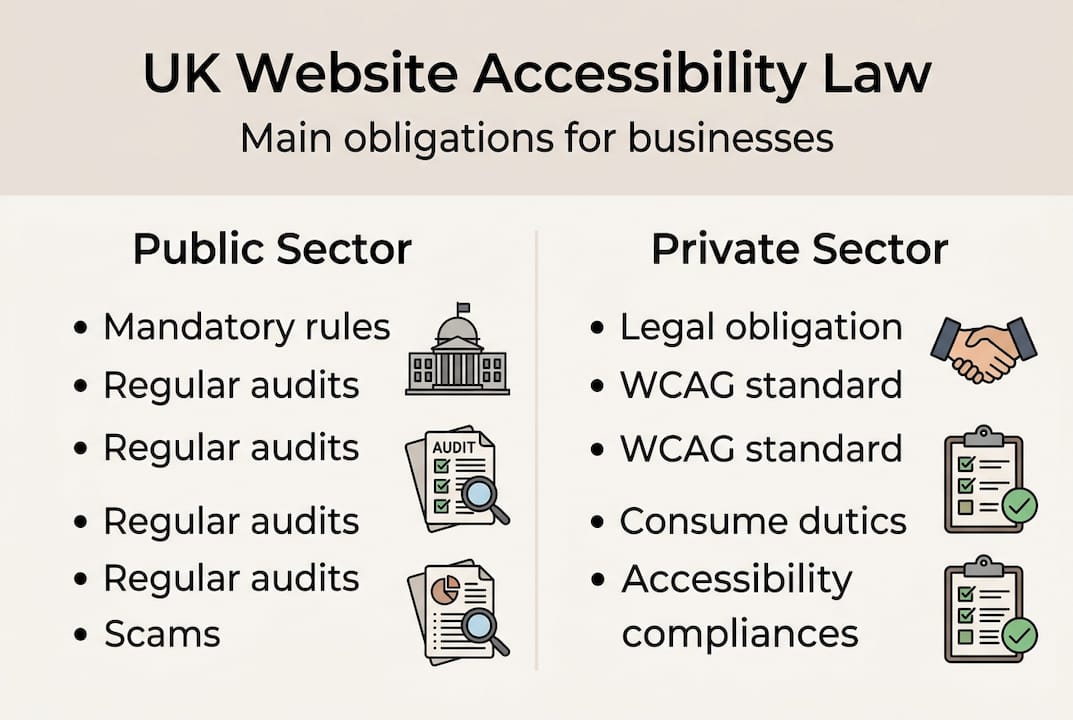
Here is how the obligations differ between sectors:
| Requirement | Public sector | Private sector |
|---|---|---|
| Legal obligation | Mandatory under specific regulations | Equality Act 2010 applies |
| WCAG standard required | WCAG 2.1 AA minimum | WCAG 2.1 or 2.2 AA recommended |
| Accessibility statement | Required by law | Strongly advised |
| Enforcement | Government audits | Legal claims and tribunal |
| Deadline for compliance | Already in force | Immediate obligation |
Many private business owners assume they are operating in a grey area. They are not. The legal exposure under the Equality Act is real and growing. As awareness of accessibility rights increases, so does the likelihood of claims being brought against businesses with inaccessible sites.
Here is a straightforward sequence for moving towards compliance:
- Audit your current site using free tools such as WAVE or Axe to identify the most common issues
- Prioritise critical barriers such as missing alt text, poor colour contrast, and unlabelled form fields
- Review your content to ensure plain language, logical structure, and descriptive link text
- Test with real users including those with disabilities wherever possible
- Document your progress and publish an accessibility statement outlining your commitment and known limitations
- Plan for ongoing maintenance because accessibility is not a one-off task
The legal benefits of addressing accessibility early are clear. You reduce legal exposure, you protect your brand reputation, and you demonstrate genuine commitment to all your customers. The good news is that improving accessibility also tends to improve website performance and scalability, making your site more robust for future growth.
How accessibility improves your brand and ROI
Following the legal obligations, discover how accessibility elevates your brand and profits. The business case for accessibility is compelling, and it extends well beyond risk mitigation.
Start with loyalty. Disabled users who find a site they can actually use return to it. They recommend it. According to research, accessibility improves SEO, usability, and conversion rates, which means the investment you make in accessible design pays back through measurable business outcomes, not just goodwill.
Consider a practical example. A small e-commerce retailer adds alt text to every product image, improves keyboard navigation, and adjusts colour contrast to meet WCAG Level AA. Their search engine ranking improves because Google can now read and index their images. Their bounce rate drops because all users, including those on slower mobile connections, can navigate the site more easily. Conversions increase because fewer people abandon the checkout process due to confusion or inaccessibility. These are not theoretical benefits. They are documented outcomes from businesses that made the change.
Here are the quick wins that deliver outsized brand and revenue impact:
- Alt text on images: Helps screen reader users and improves Google image indexing
- Logical heading structure: Makes content scannable for all users and boosts SEO performance
- Sufficient colour contrast: Assists users with low vision and those viewing screens in bright light
- Keyboard navigability: Essential for users who cannot use a mouse, and it also improves overall site structure
- Clear, simple language: Benefits users with cognitive impairments, non-native speakers, and frankly everyone else
- Captions on video content: Serves deaf users and anyone watching in a noisy or quiet environment
- Accessible forms: Labelled fields and clear error messages reduce abandonment for all users
Business growth through accessibility is not a niche concept. The businesses that lead on inclusion consistently outperform those that treat it as optional. Your brand signals its values through every touchpoint, and your website is often the very first one a potential customer encounters. Make it count.
Brand sentiment is another tangible gain. Consumers increasingly choose brands that demonstrate values aligned with their own. An accessible website signals that you respect all customers equally. That is a powerful brand statement, and it costs far less than a PR campaign.
Pro Tip: Run your site through a free accessibility checker once a month. It takes about ten minutes and can catch new issues introduced during routine updates before they become significant problems or legal risks.
Our take: Why accessibility is a business decision, not just a developer task
Here is something most accessibility guides will not tell you. The biggest barrier to accessible websites is not technical skill. It is ownership. When accessibility is treated as a developer’s job, it gets addressed in code and forgotten at the strategy level. The result is a site that technically passes some checks but still fails real users in ways that matter.
We have seen this pattern repeatedly. A business invests in a beautiful new website. The developer does their best with the brief they are given. But nobody at the business level asked the right questions during the design phase. Nobody reviewed content for plain language. Nobody considered the journey a visually impaired customer takes from homepage to checkout. The end result is a site that looks fantastic but functions poorly for a significant portion of its potential audience.
Accessibility is a product-wide decision. It lives in your content strategy, your design choices, your brand voice, and your customer journey mapping. It belongs in the boardroom as much as the codebase.
Business owners who take ownership of business-led accessibility create more cohesive, more inclusive, and ultimately more profitable products. It is also, as we noted earlier, cheaper to do it right the first time. Retrofitting accessibility after launch is consistently more expensive in both time and money than building it in from the start. That is not opinion. That is the experience of businesses who have had to go back and fix it.
Get support making your website accessible
If you are ready to enhance your brand through accessibility, the next step is simple.
At Kukoo Creative, we have spent over a decade helping UK business owners build websites that are not just visually impressive but genuinely inclusive and effective. We know how to weave accessibility into every stage of the web design process, from initial discovery through to launch and beyond.

You can explore our portfolio to see how we bring accessibility and strong branding together in practice. And if you are thinking about how an accessible website fits into a broader brand strategy, our guide to brand recognition is a fantastic place to start. Reach out today and let us help you build something your whole audience can use with confidence.
Frequently asked questions
What is the Equality Act 2010 and how does it apply to my website?
The Equality Act 2010 requires UK businesses to make reasonable adjustments so disabled users can access their websites, with WCAG Level AA widely accepted as the practical compliance benchmark.
Does accessibility only benefit people with permanent disabilities?
No. Accessible websites also assist users with temporary impairments like a broken arm, situational challenges such as screen glare, and those on slow internet connections.
Is accessibility compliance only required for public sector sites in the UK?
No. Private businesses face the same legal obligations under the Equality Act 2010 and can be subject to claims if their websites are inaccessible.
What are some quick wins to improve website accessibility?
Adding alt text to images, improving colour contrast, and providing clear keyboard navigation are low-effort changes that help all users and improve usability significantly.
Can accessibility improve my site’s SEO?
Yes. Accessible websites use cleaner structure, descriptive text, and better-organised content, all of which improve search rankings and deliver a better experience that reduces bounce rates.