
TL;DR:
- Mobile-first design focuses on prioritizing essential content on small screens before scaling up.
- It improves user experience, performance, and search rankings by designing for mobile from the start.
- Adopting mobile-first approaches increases engagement, reduces bounce rates, and boosts business revenue.
More than half of all web traffic now comes from mobile devices, yet countless UK business websites still frustrate mobile visitors with tiny text, fiddly buttons, and layouts built for a desktop screen. If your site was designed with a desktop in mind and then squeezed down for smaller screens, you’re already losing potential clients before they’ve read a single word. This article explains exactly what mobile-first design is, how it differs from traditional approaches, and what practical steps you can take to improve your website’s performance and client engagement right now.
Table of Contents
- What is mobile-first design?
- Core methodologies of mobile-first design
- Overcoming edge cases and common pitfalls
- Business impact: loyalty, revenue and engagement
- Why most businesses get mobile-first backwards
- Enhance your website with mobile-first design expertise
- Frequently asked questions
Key Takeaways
| Point | Details |
|---|---|
| Mobile-first defined | Mobile-first design means prioritising essential content and features for mobile users before expanding for larger screens. |
| Core methods outlined | Key steps include content prioritisation, touch-friendly navigation, simple layouts, performance optimisation, and progressive enhancement. |
| Pitfalls and solutions | Avoid hover states, complex forms, and inaccessible elements by following expert guidelines and WCAG standards. |
| Business benefits | Mobile-first strategies help UK businesses achieve faster websites, higher engagement, greater client loyalty and more revenue. |
What is mobile-first design?
Mobile-first design is a design philosophy that flips the traditional process on its head. Rather than building a full desktop experience and then scaling it down, you start with the smallest screen and work upwards. Mobile-first design starts with the smallest mobile screens first, prioritising essential content and features before anything else is added.
This matters because the old approach, sometimes called desktop-first or graceful degradation, often results in bloated mobile experiences. Features get crammed onto small screens, loading times suffer, and users abandon the site in frustration. Mobile-first flips that logic entirely.
The concept gained serious traction around 2010 when designer Luke Wroblewski published his influential work arguing that mobile constraints actually improve design decisions overall. Google reinforced this shift by moving to mobile-first indexing, meaning it now primarily uses the mobile version of your site to determine search rankings.
It’s worth clarifying how mobile-first differs from responsive design, because the two are often confused.
| Feature | Mobile-first design | Responsive design |
|---|---|---|
| Starting point | Smallest screen | Desktop screen |
| Core philosophy | Prioritise essentials first | Adapt existing layout |
| Performance focus | Built-in from the start | Often retrofitted |
| User experience | Optimised for mobile | Optimised for desktop |
| SEO alignment | Strongly aligned | Partially aligned |
Responsive design is about flexibility. Mobile-first is about priority. You can read more about how these approaches interact in our website design tips for small businesses.
Pro Tip: When reviewing your existing site, ask yourself: if a mobile user could only see three things on this page, what would they be? That’s your mobile-first starting point.
Core methodologies of mobile-first design
Knowing the concept is one thing. Applying it is another. Content prioritisation, large touch targets, simple layouts, performance optimisation, and progressive enhancement are the hallmarks of mobile-first methodology. Here’s what each one means in practice.
Content inventory and prioritisation means stripping every page back to what genuinely matters. If a piece of content doesn’t serve the mobile user’s immediate goal, it doesn’t belong at the top of the page. This discipline forces clarity across your entire site.
Design for touch means your buttons, links, and navigation elements need to be finger-friendly. Small, closely spaced links are a nightmare on a touchscreen. Generous spacing and clearly tappable elements make a real difference to how confident users feel navigating your site. Our navigation design tips cover this in detail.
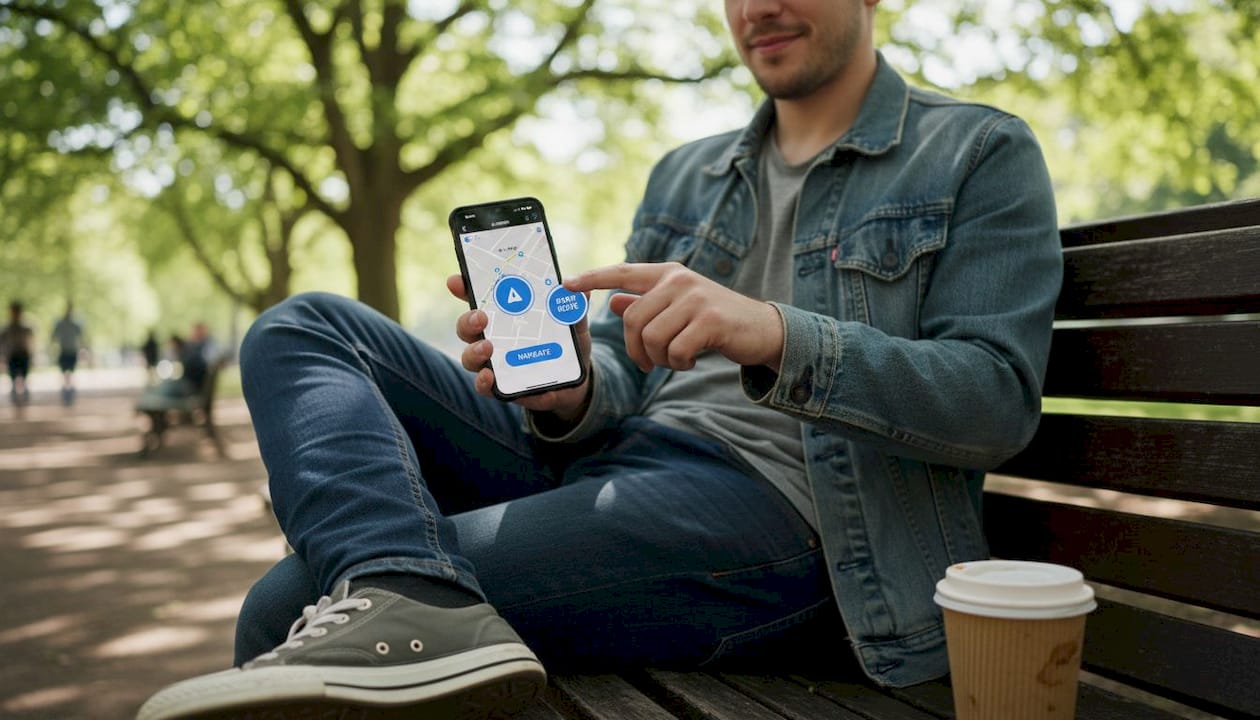
Simple layouts rely on clear visual hierarchy. One column, clear headings, and plenty of breathing room guide the eye naturally without overwhelming the user.
Performance optimisation means compressing images, minimising code, and reducing load times. A one-second delay in page load can significantly reduce conversions.
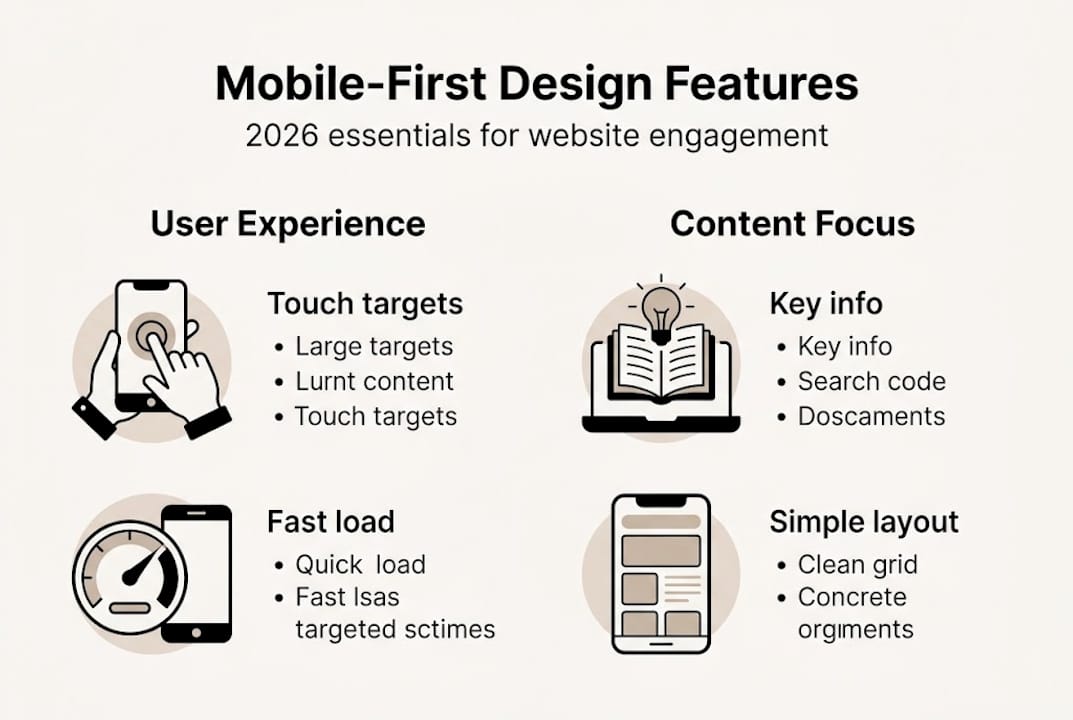
Progressive enhancement uses CSS media queries to add complexity as screen size increases. You build the core experience first, then layer in richer features for tablets and desktops.
| Methodology | What it involves | Business benefit |
|---|---|---|
| Content prioritisation | Strip to essentials | Clearer messaging |
| Touch-friendly design | Large buttons, spacing | Fewer user errors |
| Simple layouts | One-column, hierarchy | Faster comprehension |
| Performance optimisation | Compressed assets | Lower bounce rates |
| Progressive enhancement | Media queries, layering | Consistent experience |
These five steps, applied consistently through your website design process, create a genuinely enjoyable mobile experience.
Pro Tip: Touch targets should be a minimum of 44 pixels in height and width. That’s the size of an average adult thumb tip, and it makes tapping far less frustrating.
Overcoming edge cases and common pitfalls
Even with the best intentions, mobile-first design throws up some tricky challenges. Context of use, avoiding hover states, accessibility, and slow connections pose major challenges that many designers and business owners overlook.
Mobile users are often distracted. They’re on public transport, waiting in a queue, or glancing at their phone between meetings. Your content needs to communicate quickly and clearly, without demanding sustained concentration.
Hover states are a common trap. Many desktop designs rely on hover effects to reveal menus or additional information. On a touchscreen, there is no hover. If your navigation depends on it, mobile users simply won’t find what they need.
Complex forms are another frequent problem. Asking mobile users to fill in ten fields on a small screen leads to abandonment. Simplify forms to only the essential fields, and use input types that trigger the right keyboard (number pads for phone numbers, for example).
Accessibility is non-negotiable. Following WCAG guidelines ensures your site works for users with visual impairments, motor difficulties, or other needs. Colour contrast, readable font sizes, and clearly labelled form fields all contribute to a more inclusive experience.
Here’s a quick list of common pitfalls to avoid:
- Relying on hover states for navigation or content
- Using font sizes below 16px for body text
- Placing touch targets too close together
- Ignoring slow mobile connections when loading images
- Overloading pages with content that serves desktop users only
- Skipping contrast checks for text on coloured backgrounds
As one design principle puts it: “Ruthless prioritisation forces real user focus.” That discipline is what separates a genuinely useful mobile site from one that simply looks acceptable on a small screen.
Business impact: loyalty, revenue and engagement
Mobile-first design isn’t a trend you can afford to ignore. Mobile-first ensures core UX for the majority of mobile traffic, leading to faster sites, better client loyalty, and increased revenue. These are outcomes that directly affect your bottom line.
Faster sites reduce bounce rates. When your pages load quickly on mobile, visitors stay longer and explore more. That translates into more enquiries, more purchases, and stronger brand impressions. A well-designed mobile experience also builds trust. When your site feels polished and easy to use on a phone, clients assume the same care goes into your products and services.
Think about your own brand identity for a moment. If your logo and visual style are sharp but your mobile site is clunky, there’s a disconnect that undermines confidence. Every touchpoint matters, and mobile is now the primary touchpoint for most UK consumers.
Here’s a straightforward process for measuring the business impact of mobile-first improvements:
- Audit your current mobile traffic using Google Analytics to understand what percentage of your visitors use mobile devices.
- Record baseline metrics including bounce rate, average session duration, and conversion rate on mobile.
- Implement mobile-first changes in stages, starting with your most visited pages.
- Re-measure after 30 days to compare performance against your baseline.
- Test with real users by asking actual clients to complete a task on your mobile site and observing where they struggle.
- Schedule regular reviews to keep your site performing well as devices and user expectations evolve.
Regular website maintenance is essential here. Mobile design is not a one-time fix. It requires ongoing attention as your business grows and as new devices emerge. Build the habit of reviewing your mobile experience at least twice a year, and you’ll stay ahead of most of your competitors. Visit our business branding tips to see how design and brand strategy work together.
Why most businesses get mobile-first backwards
Here’s the uncomfortable truth we’ve seen play out across dozens of UK business websites: most owners think mobile-first means making things smaller. It doesn’t. It means making decisions harder.
When you design for mobile first, you’re forced to choose. You cannot hide behind the luxury of space. That constraint is actually a gift, because it reveals what your clients genuinely care about and strips away everything you added for your own reassurance rather than their benefit.
We’ve seen redesigns fail not because the design was poor, but because the business owner couldn’t let go of content that served the brand’s ego rather than the user’s need. Conversely, the most successful projects we’ve worked on started with one question: what does a busy person on their phone need from this page in the next ten seconds?
Simulators and browser tools are useful, but they don’t replicate the real experience of using a site with one thumb while distracted. Explore how web animation and engagement play into this, but never let visual flourish override function on mobile.
Pro Tip: Hand your phone to someone unfamiliar with your website and ask them to find your contact details or make an enquiry. Watch without helping. What you observe in two minutes will tell you more than any analytics report.
Enhance your website with mobile-first design expertise
Understanding mobile-first design is the first step. Bringing it to life on your website is where the real transformation happens. At Kukoo Creative, we’ve spent over a decade helping UK business owners build websites that genuinely connect with their clients, on every device.

Whether you’re starting from scratch or refreshing an existing site, our web design process is built around your business goals and your clients’ needs. Explore our web design portfolio to see what’s possible, or discover how strong brand and logo design supports a cohesive mobile experience. Get in touch and let’s build something your clients will love using.
Frequently asked questions
How does mobile-first design differ from responsive design?
Mobile-first starts with mobile screens and prioritises content, while responsive design adapts existing desktop layouts for different devices. The starting point and priorities are fundamentally different.
Why is mobile-first design important for UK businesses?
Mobile-first ensures core UX for the majority of mobile traffic, helping UK businesses improve site speed, boost client engagement, and remain accessible to an increasingly mobile audience.
What is a quick checklist for implementing mobile-first design?
Content prioritisation, touch interfaces, layouts, performance, progressive enhancement are the key steps: prioritise content, use large touch targets, simplify layouts, optimise performance, and enhance progressively for larger screens.
What accessibility concerns should I address for mobile users?
Ensure touch target sizes and WCAG guidelines are followed: make targets large enough, avoid hover-only interactions, and check colour contrast to support all users effectively.