
Every small business owner wants their brand to stand out on the streets of Leeds and online. From fresh logos to sharp visuals and social banners that catch the eye, the right creative tools can make all the difference. Some offer handcrafted personal service while others give you speed and simple templates that get you ready for anything. How do you know which approach might help your business look its best? There are options for every budget and level of experience. Discover which solution might give your brand the look and feel you want.
Table of Contents
Kukoo Creative
At a Glance
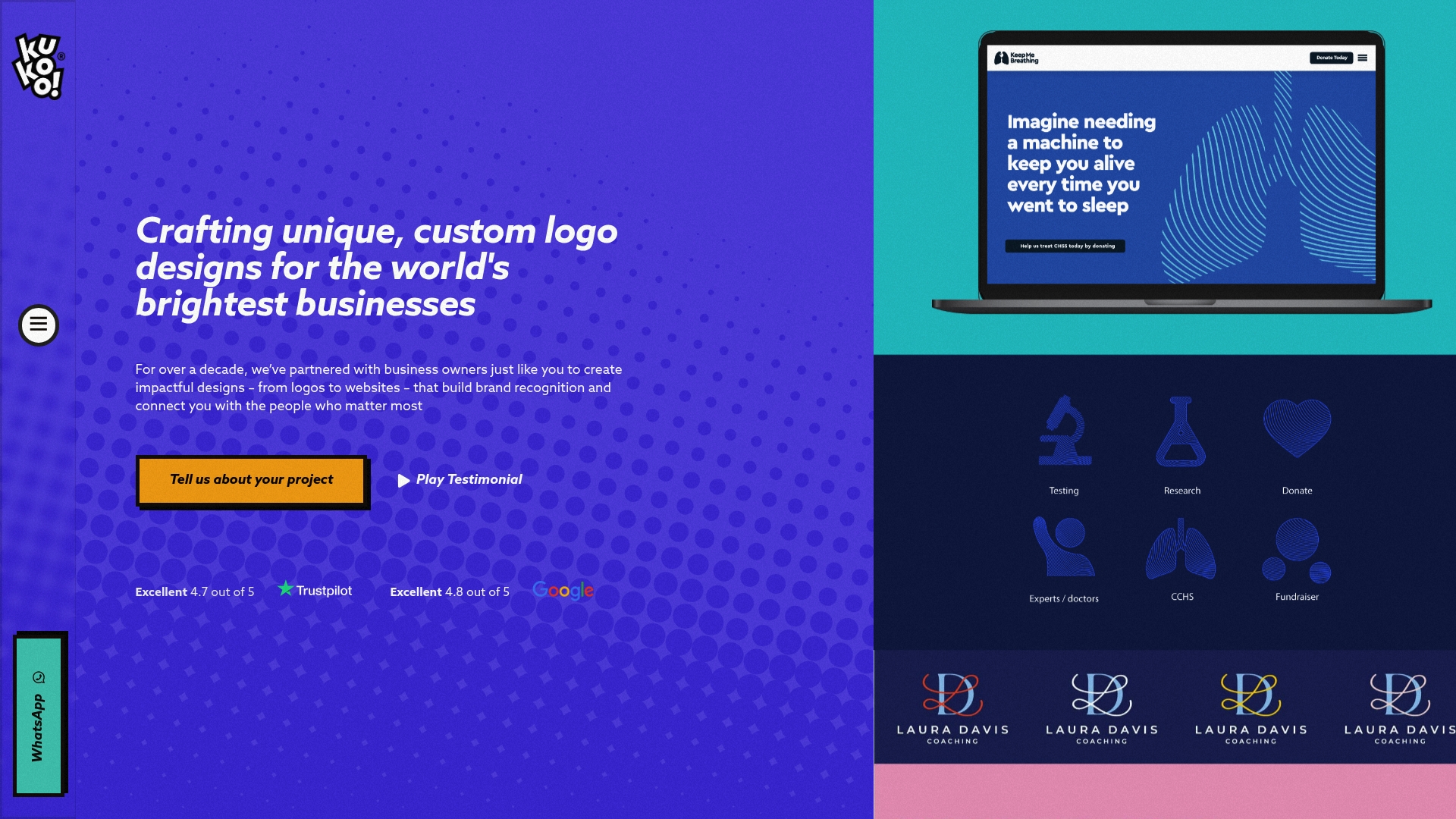
Kukoo Creative delivers bespoke, handcrafted logo design from experienced UK designers, offering a premium alternative to templated and automated services. For over a decade, we’ve partnered with business owners just like you to create impactful designs – from logos to websites – that build brand recognition and connect you with the people who matter most. The service emphasises craftsmanship, unlimited revisions and clear ownership transfer, making it ideal for Leeds small business owners who want a distinctive visual identity rather than a generic template. Expect a thoughtful process that typically takes 3–4 weeks from brief to final files.
Core Features
Kukoo Creative specialises in bespoke logo design created from scratch by award-winning UK designers who avoid AI tools and stock images, favouring handmade, personalised concepts. Key capabilities include unlimited revisions to refine your mark, delivery of high-quality files in multiple formats suitable for print and digital use, and transparent pricing tiers from £100 to £750+ plus VAT depending on scope. Crucially, full ownership of the final designs transfers to you upon payment, so you leave with all rights and ready-to-use assets for signage, menus, social profiles and websites.
Hands-on. Deliberate. Personal.
Pros
- Personalised, handcrafted designs by UK designers: Every logo is created by experienced designers who tailor concepts to your business personality rather than applying one-size-fits-all templates.
- Transparent and affordable pricing: Clear price ranges starting from £100 to £750+ plus VAT mean you can budget for a professional mark without hidden fees.
- Unlimited revisions to ensure satisfaction: The iterative process lets you refine typography, colour and layout until the logo truly represents your brand.
- Ownership transfer of final designs: Rights are assigned to you once paid, removing ambiguity about usage and future applications.
- Dedicated customer support and collaborative process: Designers work with you through briefing, concepts and finalisation to ensure the outcome fits your commercial goals.
Who It’s For
Kukoo Creative is tailored for small business owners and entrepreneurs in Leeds and beyond who value originality and are prepared to invest time and budget in a crafted identity. If you run a cafe, boutique, consultancy or local service and need a distinctive logo that works across signage, social media and packaging, this is designed for you. It is less suited for teams needing instant, low-cost templated marks; instead, Kukoo rewards those who prioritise longevity and brand recognition.
Unique Value Proposition
Kukoo Creative’s unique value is its refusal to compromise craft for speed: the studio pairs decade-plus experience with a fully human design process, producing logos that are original, strategically considered and legally transferable. Unlike automated platforms, Kukoo guarantees handmade concepts, unlimited iteration and multiple file formats for real-world use — from print to large-format signage — while maintaining transparent pricing. That combination reduces the risk of generic work and future rebrands, saving you money and reputational friction over time. For Leeds businesses that rely on footfall and memorable visual cues, this depth of attention delivers measurable returns in recognition and customer recall.
Real World Use Case
A new cafe owner in Headingley commissions Kukoo Creative to produce a distinctive logo and visual identity. The designer develops custom concepts aligned to the cafe’s craft coffee ethos, iterates through unlimited revisions with the owner, and delivers print-ready files for menus, window vinyl and social media banners — ensuring customers recognise the brand on High Street and online.
Pricing
Prices range from £100 to £750+ plus VAT, dependent on package scope and options; bespoke quotes are available for larger identity projects.
Website: https://kukoocreative.com/
Venngage
At a Glance
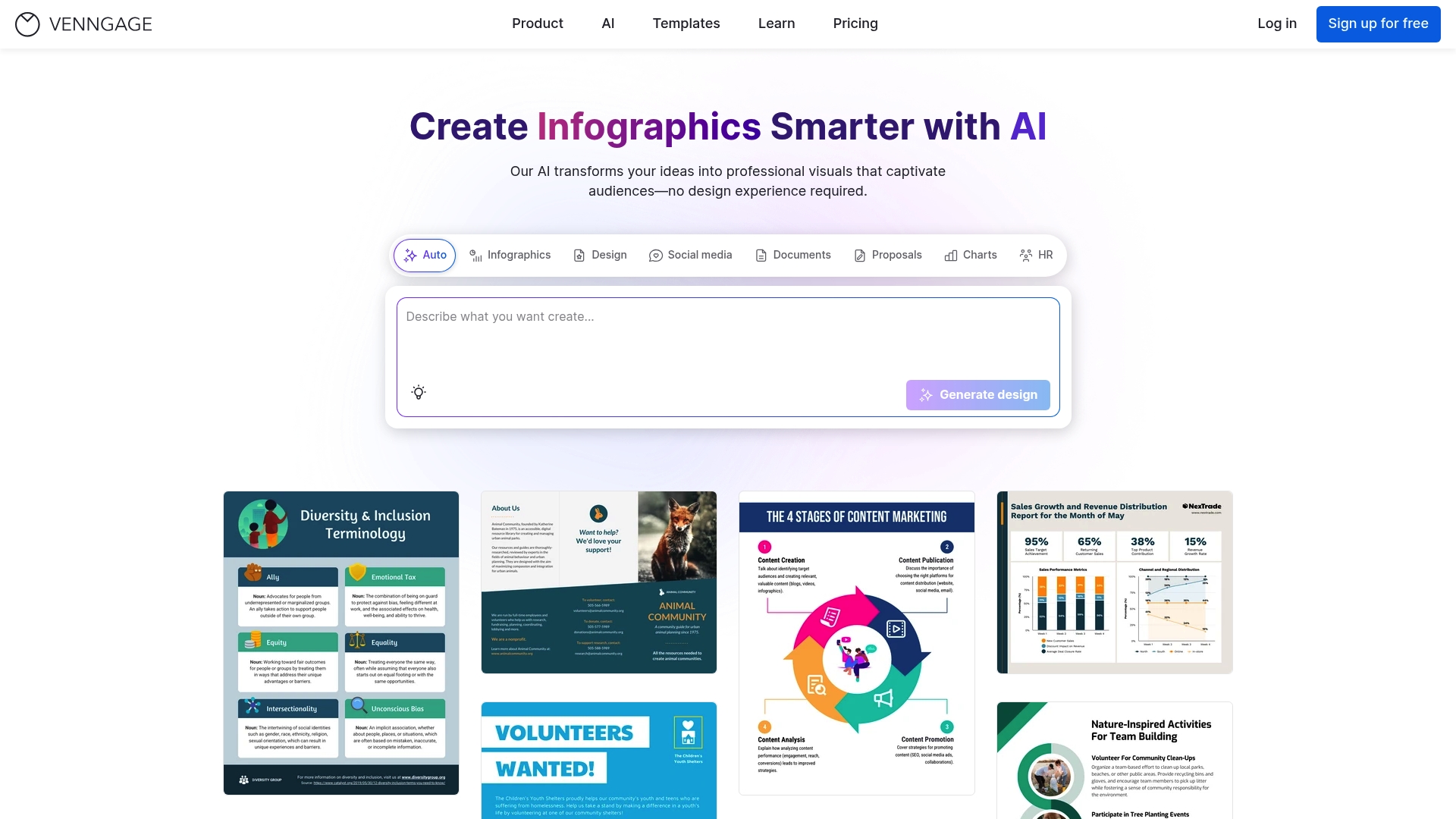
Venngage is a professional infographic and visual content tool that leans heavily on templates and AI assistance to speed up design. It suits teams that need consistent, accessible visuals and quick turnarounds rather than bespoke, hand-crafted artwork. If you run a small business in Leeds and need polished infographics, presentations or social graphics without hiring a designer, Venngage is a practical, time-saving choice.
Core Features
Venngage offers more than 10,000 templates across infographics, reports, flyers and presentations, combined with an AI-powered infographic generator that jumpstarts designs from brief prompts. Brand kits and branding automation keep colours, logos and fonts consistent across outputs, while collaboration tools let teams comment, edit and approve assets. Data visualisation capabilities include advanced charts and maps, and there are accessibility tools to help meet WCAG standards. Export options cover PNG, PDF, PPTX and HTML, with sharing and embedding features for web and social use.
Pros
- Extensive Template Library: With over 10,000 templates, you can find industry-appropriate layouts quickly and avoid starting from scratch.
- AI Tools Speed Up Design: The AI-powered generator helps create a draft visual in moments, which is ideal when you need campaign assets on a tight deadline.
- Branding Automation Ensures Consistency: Brand kits and automated styling reduce the time you spend policing colours and logos across multiple pieces.
- Strong Collaboration for Teams: Built-in team workflows allow multiple people to work together and keep feedback centralised, which helps reduce email threads.
- Accessibility Features for Inclusive Design: Tools aimed at WCAG compliance make it easier to produce accessible content for a wider audience.
Cons
- Higher Costs for Smaller Users: Pricing can feel steep for sole traders or micro-businesses, especially when advanced features require Business or Enterprise plans.
- Feature Overload for Beginners: The sheer number of options and templates can overwhelm users who prefer a minimal, guided interface.
- Advanced Tools Locked Behind Tiers: Some of the more powerful data visualisation and team features are only available on higher-priced plans, limiting access for smaller teams.
Who It’s For
Venngage is best suited to marketers, content creators and small marketing teams who need dependable, brand-aligned visuals without commissioning a designer for every asset. For a Leeds cafe promoting weekly specials or a local estate agent producing neighbourhood market reports, Venngage offers a fast route to professional-looking materials.
Unique Value Proposition
Venngage combines a vast template library with AI assistance and brand automation, letting teams produce consistent, accessible visuals quickly. Its strength lies in turning data and copy into visually compelling outputs with minimal manual layout work.
Real World Use Case
A marketing team launches a seasonal campaign and uses Venngage to generate infographics for social, printable flyers for community noticeboards and a branded PDF report for partners — all produced in hours rather than days, and all matching the organisation’s brand kit.
Pricing
Venngage offers a free plan with limited features. Paid plans include Premium at $10 per month, Business at $24 per month per user, and Enterprise starting at $499 per month (contact sales for details).
Website: https://venngage.com
Visme
At a Glance
Visme is an all‑in‑one visual communication platform that helps you produce presentations, infographics and social graphics quickly with AI‑assisted tools and a large template library. It aims to be accessible so small teams in Leeds can create branded materials without a full‑time designer. The platform supports collaboration and content planning, though the breadth of features can feel overwhelming at first. Overall, it is a versatile choice if you need an end‑to‑end visual toolset for marketing and internal comms.
Core Features
Visme combines an AI presentation maker with customisable templates for over 50 content types, data visualisation tools for charts and graphs, brand asset management to keep your identity consistent, and content scheduling and publishing from a single workspace. The feature set emphasises both static and interactive outputs, so you can produce animated reports or share scheduled posts alongside traditional slide decks.
Stop. Think. Simplify.
Pros
- Comprehensive content creation capabilities across multiple formats: Visme supports presentations, infographics and social graphics so you can centralise design work in one place.
- Easy to use with customisable templates and AI tools: The template library and AI features reduce the time you spend starting from scratch, which is useful when you need marketing collateral fast.
- Supports collaboration and team workflow management: Team features let multiple people work together and maintain brand consistency across projects.
- Large library of high‑quality images, icons and media: Access to a broad media library speeds up creation and keeps visuals polished.
- Interactive and animated content features: The ability to add interactivity or simple animations helps make stakeholder reports and social posts more engaging.
Cons
- The platform’s extensive features might be overwhelming for new users: The wide range of tools can require time to discover and adopt effectively.
- Pricing details are not specified in the content provided and might vary depending on usage: Without clear pricing information, it may be harder to budget for a small Leeds business.
- Some advanced features may require a learning curve or prior experience: Getting the most from data visualisation and interactivity may need practice or training.
Who It’s For
Visme suits businesses, marketers, educators and teams looking for a single platform to produce varied visual content and collaborate efficiently. For a small business in Leeds wanting to improve brand visibility without hiring external designers, Visme offers the tools to create polished pitch decks, reports and social posts in‑house.
Unique Value Proposition
Visme’s strength lies in combining AI assistance, a vast template ecosystem and brand asset control inside one platform, so teams can create cohesive, interactive content quickly. If your priority is speed, variety and keeping design consistent across marketing channels, Visme packages these needs together.
Real World Use Case
A corporate team might use Visme to design a pitch deck, then convert data into animated charts for an interactive report and schedule related social graphics. The result is a single, branded campaign that engages stakeholders and maintains visual continuity across formats.
Pricing
Pricing is not specified in the provided content, so you should check the website for current plans and any small business discounts or team rates.
Website: https://visme.co
Figma
At a Glance
Figma is a collaborative interface design tool that brings brainstorming, design, prototyping and handoff into a single web-based workspace. For a small business in Leeds, it speeds up the journey from idea to live product by keeping designers, product owners and developers aligned. Its real-time collaboration and shared libraries reduce duplicated effort and make feedback cycles noticeably quicker. Expect a short learning curve for basic tasks and additional investment for advanced features.
Core Features
Figma combines design and prototyping in one platform, allowing teams to create interactive prototypes with animations and transitions without switching apps. It supports real-time collaboration so multiple people can work together simultaneously, and it offers system management through buildable design systems and shared libraries. Auto layout and constraints support responsive design within files, while the platform also provides features for design handoff with specs and code snippets.
Pros
- All-in-one platform for design, prototyping and collaboration, which reduces the number of tools you need to manage and pay for.
- Real-time collaboration feature enables multiple team members to edit and comment simultaneously, cutting down review time and miscommunication.
- Extensive libraries, templates and community resources give you ready-made assets and inspiration that can accelerate project delivery.
- Supports design handoff with specs and code snippets, so developers can implement interfaces with fewer questions and less rework.
- Flexible pricing plans for individuals, teams and enterprises make it easier for a small business to scale up as needs grow.
Cons
- Can have a learning curve for new users, particularly for team members unfamiliar with interface design tools.
- Dependent on internet connectivity for real-time collaboration, which can be limiting if you work from locations with unreliable connections.
- Some advanced features may require higher-tier plans, meaning additional cost for complex team needs.
Who It’s For
Figma is ideal for designers, product managers, developers and small teams collaborating on digital product design and development. If your Leeds business needs rapid prototyping, tight feedback loops and a single source of truth for UI components, Figma fits well. It suits setups where multiple stakeholders must interact with designs in real time.
Unique Value Proposition
Figma’s strength lies in making collaborative design genuinely simultaneous and shareable, so teams avoid versioning headaches and long feedback loops. Its combination of design, prototyping and system management in one web-first platform is particularly useful for small businesses that want to centralise creative workflows without investing in numerous separate tools.
Real World Use Case
A product team uses Figma to create a UI design, develop an interactive prototype, gather stakeholder feedback in the same file, and then hand off specifications to developers with code snippets. This workflow helps reduce meetings and speeds up the route from concept to deployment.
Pricing
Figma offers free plans for individuals and students, with paid plans for professional teams, organisations and enterprises. Pricing is based on seats and features, available as monthly subscriptions or custom enterprise solutions.
Website: https://figma.com
Vistacreate
At a Glance
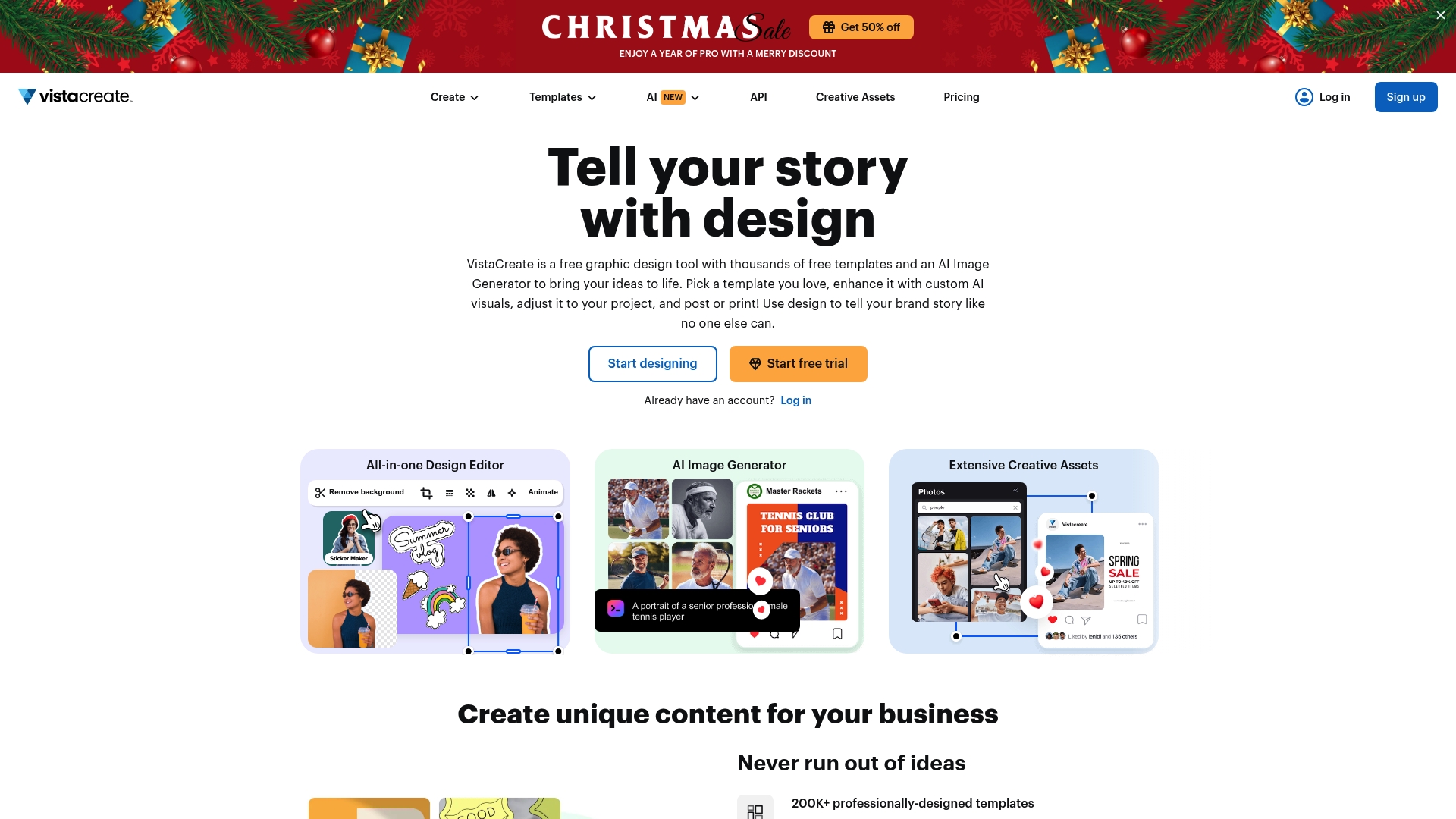
Vistacreate is a free, template-rich graphic design tool that helps small business owners produce polished visuals quickly. With an AI image generator and a vast library of over 200,000 templates, it accelerates content creation for social, web and print. It is particularly useful for busy Leeds entrepreneurs who need ready-made layouts and the ability to schedule or print without juggling multiple apps. However, some advanced assets sit behind a Pro subscription, and newcomers may find the interface a little dense at first.
Core Features
Vistacreate combines a massive template library with an AI image generator, an extensive asset library of photos, videos and vectors, plus brand kit tools to lock in logos, colours and fonts. It also offers animation and video editing for reels and short clips, background removal, resizing tools, collaboration features, scheduling and printing options — so you can move from idea to printed flyer or scheduled post in one place.
Quick note. Small and decisive.
Pros
- Free with abundant templates and assets: The free tier gives you thousands of templates and creative elements so you can produce professional visuals without immediate cost.
- AI-generated visuals to boost creativity: The AI image generator helps you create unique images when stock photography feels generic.
- Collaboration for team projects: Shared workspaces and collaboration tools make it easier for multiple staff or contractors to contribute to a campaign.
- Integrated editing and utility tools: Built-in resizing, animation and background removal cut down the number of separate tools you need.
- Scheduling and printing options included: You can plan social posts and export print-ready files, simplifying both digital and physical marketing workflows.
Cons
- Some advanced features and assets require a Pro subscription: Key stock assets and premium templates are behind a paywall, which may be limiting for growth.
- Interface might overwhelm beginners due to extensive options: The sheer breadth of tools can be confusing until you learn where things live.
- Limited storage for free accounts: Free users may need to manage content carefully or upgrade as projects accumulate.
Who It’s For
Vistacreate is aimed at individuals and small business owners — especially those in Leeds and similar UK towns — who need a versatile, approachable tool to produce marketing materials quickly. It suits café owners, market traders, independent retailers and small agencies who want to create social posts, flyers and simple videos without hiring a designer.
Short, practical tip.
Unique Value Proposition
Vistacreate’s strength is the combination of an enormous template library with AI-assisted image creation and a cohesive brand kit, all in one interface. That means you can maintain brand consistency across social, print and video without stitching multiple services together.
Real World Use Case
A Leeds bakery owner uses Vistacreate to design weekly Instagram reels, produce market-stall flyers, and build a simple brand kit for staff to follow. They schedule posts in advance, export print-ready flyers for a local print shop and collaborate with a part-time marketer — cutting turnaround from days to hours.
Pricing
Free plan available; Pro plan at $10 USD/month (pay monthly) or $13 USD/month (pay yearly, with 23% savings).
Website: https://create.vista.com
Snappa
At a Glance
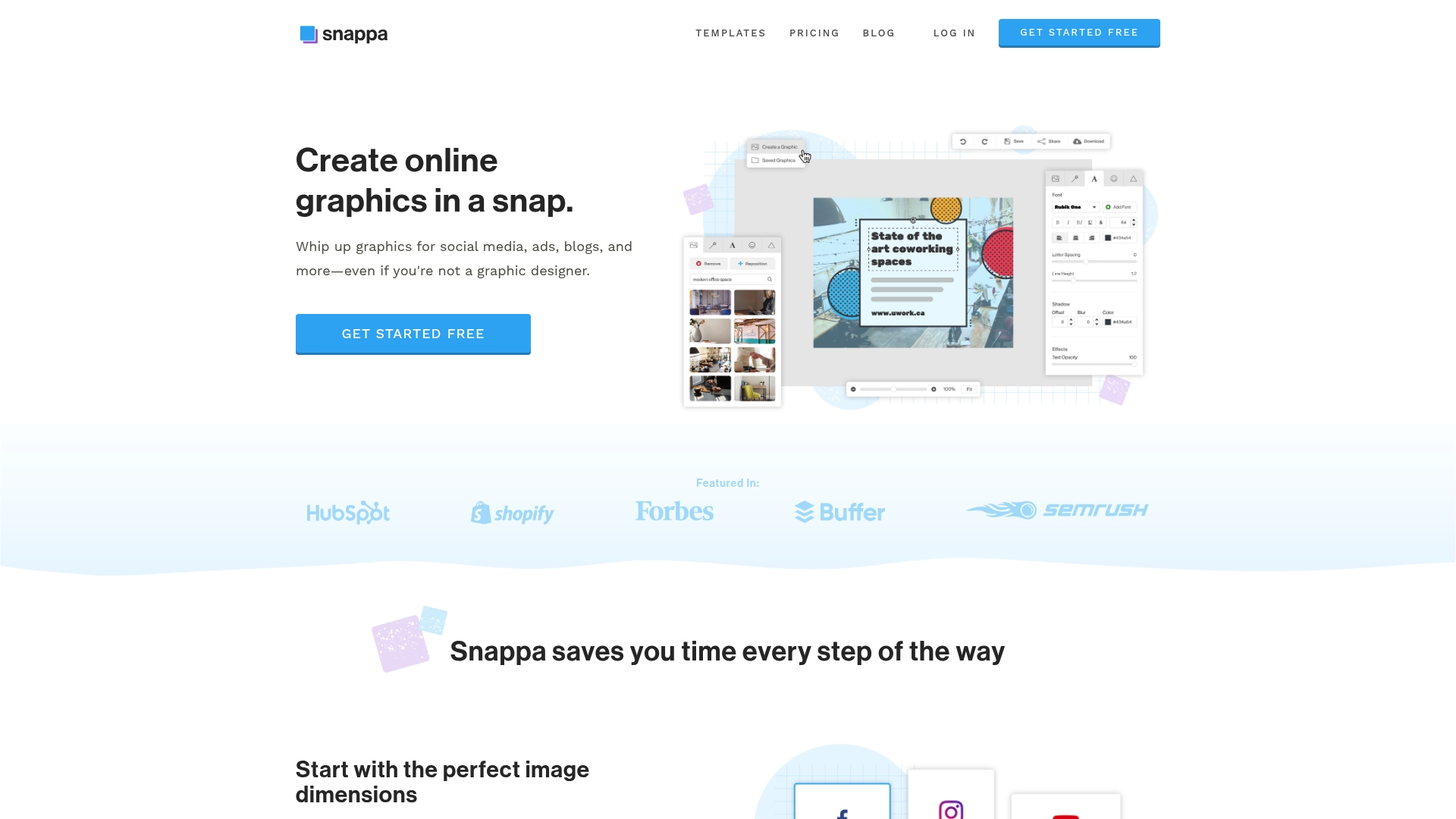
Snappa is a cloud-based, speedy graphic design tool that helps you produce social media images, ads, blog visuals and more without needing design training. It leans on pre-made templates and a huge stock library so you can move from idea to finished graphic in minutes. For small business owners in Leeds who need consistent, on-brand visuals without hiring a designer, Snappa is an efficient, practical choice. It’s ideal when time and clarity matter most.
Core Features
Snappa provides pre-made templates for social media, blogs, ads and infographics, plus clickable presets for correct image dimensions for each platform. You get access to over 5,000,000 free high-resolution stock photos and simple tools to add text, graphics and effects. Key time-savers include a one-click background removal tool, single-click resizing and cropping options to adapt assets for different channels, and instant scheduling and sharing through integration with Buffer. The platform is designed for speed and ease of use, making routine visual tasks straightforward.
Pros
- Very user-friendly with no learning curve: The interface is simple and intuitive, so you can produce decent graphics quickly without training.
- Huge image and template library included: Access to more than 5,000,000 stock photos and ready-made templates reduces the need to source assets elsewhere.
- Supports custom dimensions and brand uploads: You can set custom sizes and upload your own branding materials, keeping visuals consistent across campaigns.
- Seamless social scheduling: Built-in scheduling via Buffer means you can create and queue posts without switching platforms.
- Creative flexibility despite simplicity: The straightforward toolset still allows for a wide range of visual styles and formats, so you’re not boxed in.
Cons
- Free plan limits downloads to three per month, which can be restrictive for active accounts.
- The monthly cost may be a factor for individual users or very small teams when budgets are tight.
- Team collaboration features are gated behind higher-tier plans, so small agencies may need to upgrade to unlock shared workflows.
Who It’s For
Snappa is tailored to non-designers and small business owners who need to create professional-looking graphics quickly and reliably. If you run a cafe, retail shop or local service in Leeds and manage your own social media, Snappa lets you maintain a cohesive brand look without design agencies or complex software.
Unique Value Proposition
Snappa’s strength is its blend of speed and accessibility: an enormous stock photo library, platform-specific presets and Buffer integration let you turn ideas into scheduled content in moments. That focus on rapid, cloud-based production is what sets it apart for busy business owners.
Real World Use Case
A social media manager at a Leeds boutique uses Snappa to design weekly promotional posts, resize the same asset for Instagram and Facebook with one click, remove backgrounds for product shots, and schedule everything to Buffer — all without relying on an external designer.
Pricing
Free plan available; Pro plan at $15 per month (billed annually) with unlimited downloads, custom fonts and background removal; Team plan at $30 per month (billed annually) for multiple users and additional features.
Website: https://snappa.com
Visual Design and Brand Development Services Comparison
Below is a comprehensive comparison of tools and services for visual content creation and brand development, outlining their core features, suitability, advantages, and pricing, to help users make informed decisions.
| Service Name | Unique Value Proposition | Suitable For | Main Advantages | Pricing |
|---|---|---|---|---|
| Kukoo Creative | Handmade logo designs with a focus on craftsmanship and originality | Small business owners in need of bespoke identities | Bespoke designs, unlimited revisions, transparent pricing | Custom packages from £100–£750+ plus VAT |
| Venngage | Extensive templates with AI assistance for quick infographic creation | Marketers and teams needing fast visual content | Over 10,000 templates, AI-powered design generator | Free tier, Premium $10/month, Business $24/month |
| Visme | Versatile visual communication platform incorporating AI tools | Businesses requiring diverse visual and interactive content | Large template library, data visualisation, extensive branding options | Pricing information available online |
| Figma | Collaborative design and prototyping in a web-based application | Teams collaborating on interface and prototype designs | Real-time collaboration, interactive prototypes, extensive reusable design assets | Free plan; Paid plans per team seats |
| Vistacreate | Accessible and template-rich graphic design platform | Small business owners needing quick content production | Free access to templates and assets, AI-assisted image creation, built-in scheduling | Free plan available; Pro starts at $10/month |
| Snappa | Fast and intuitive tool for non-designers creating social visuals | Business owners requiring consistent quick graphics | User-friendly, large stock image repository, platform-specific presets | Free plan; Pro plan at $15/month |
Elevate Your Brand with Bespoke Design Beyond Template Tools
While the article highlights handy graphic design tools like Venngage and Snappa for quick, templated content and visual consistency, it also exposes common challenges such as generic designs that lack originality and the overwhelming feature overload on some platforms. Many small business owners strive for a distinctive identity that cuts through the noise and builds long-term recognition — something mass-market graphic tools cannot reliably deliver.
At Kukoo Creative, we understand that your brand needs more than off-the-shelf templates. For over a decade, we have partnered with business owners just like you to create handcrafted logos and bespoke designs that truly reflect your unique story and values. Unlike AI-driven or pre-made solutions, our personalised logo design service offers unlimited revisions and full ownership transfer, ensuring your visual identity is as authentic and memorable as your business.
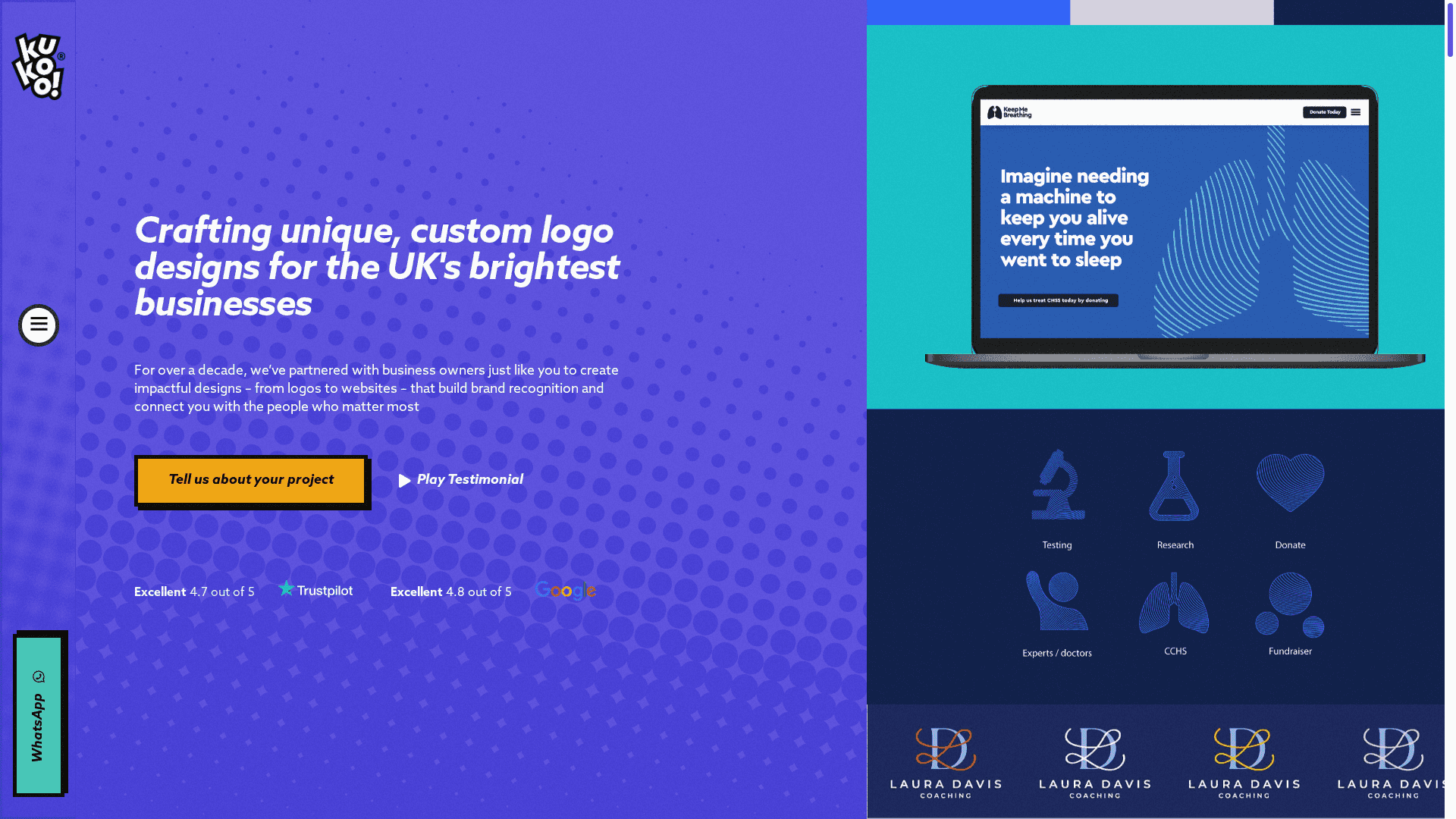
Ready to break free from the constraints of generic graphic tools? Discover how a crafted design elevates your brand presence and builds deeper customer connections. Visit Kukoo Creative today to start your journey towards a standout, professional identity that lasts.
Frequently Asked Questions
What factors should I consider when choosing a graphic design tool for my business?
Choosing a graphic design tool requires evaluating factors such as ease of use, pricing, available templates, and features that cater to your specific design needs. Prioritise tools that align with your business goals, such as collaboration capabilities or branding automation, to streamline your design process.
How can I improve my team’s efficiency using graphic design tools?
To improve your team’s efficiency, select a graphic design tool that supports collaboration and has features for real-time feedback. For instance, adopt tools that allow simultaneous editing and easy file sharing to reduce turnaround times on projects.
Are graphic design tools suitable for non-designers in my business?
Yes, many graphic design tools are designed to be user-friendly for non-designers, featuring templates and guided workflows. Consider training your team on the selected tool to enhance their skills and ensure they can create effective visuals independently.
What are the benefits of using AI-assisted design features in graphic design tools?
AI-assisted design features help automate repetitive tasks, generate design suggestions, and speed up the creative process. Utilise these features to save time and unleash creativity, allowing team members to focus more on strategy and less on execution.
How quickly can I produce marketing materials using graphic design tools?
Most graphic design tools enable rapid production of marketing materials, often within hours rather than days. Assess the template library and automation features to create high-quality visuals efficiently, ensuring consistent branding across all platforms.
What is the typical cost range for graphic design tools for businesses?
Pricing for graphic design tools can vary significantly based on features and subscription plans, typically ranging from free versions to monthly fees of £10 to £30 or more for premium features. Review your budget and the essential features your business needs to choose the right plan.