
Design has taken on a new life with artificial intelligence now woven into everyday business tools. Decisions that used to take hours can be made in moments and creative limits are vanishing. There is now a range of intelligent design tools that promise to shape visual ideas in fresh ways. Some focus on speed and others on unique features but all aim to bring something different to the table. Wondering which solutions truly help businesses stand out? The choices ahead might surprise you.
Table of Contents
Kukoo Creative
At a Glance
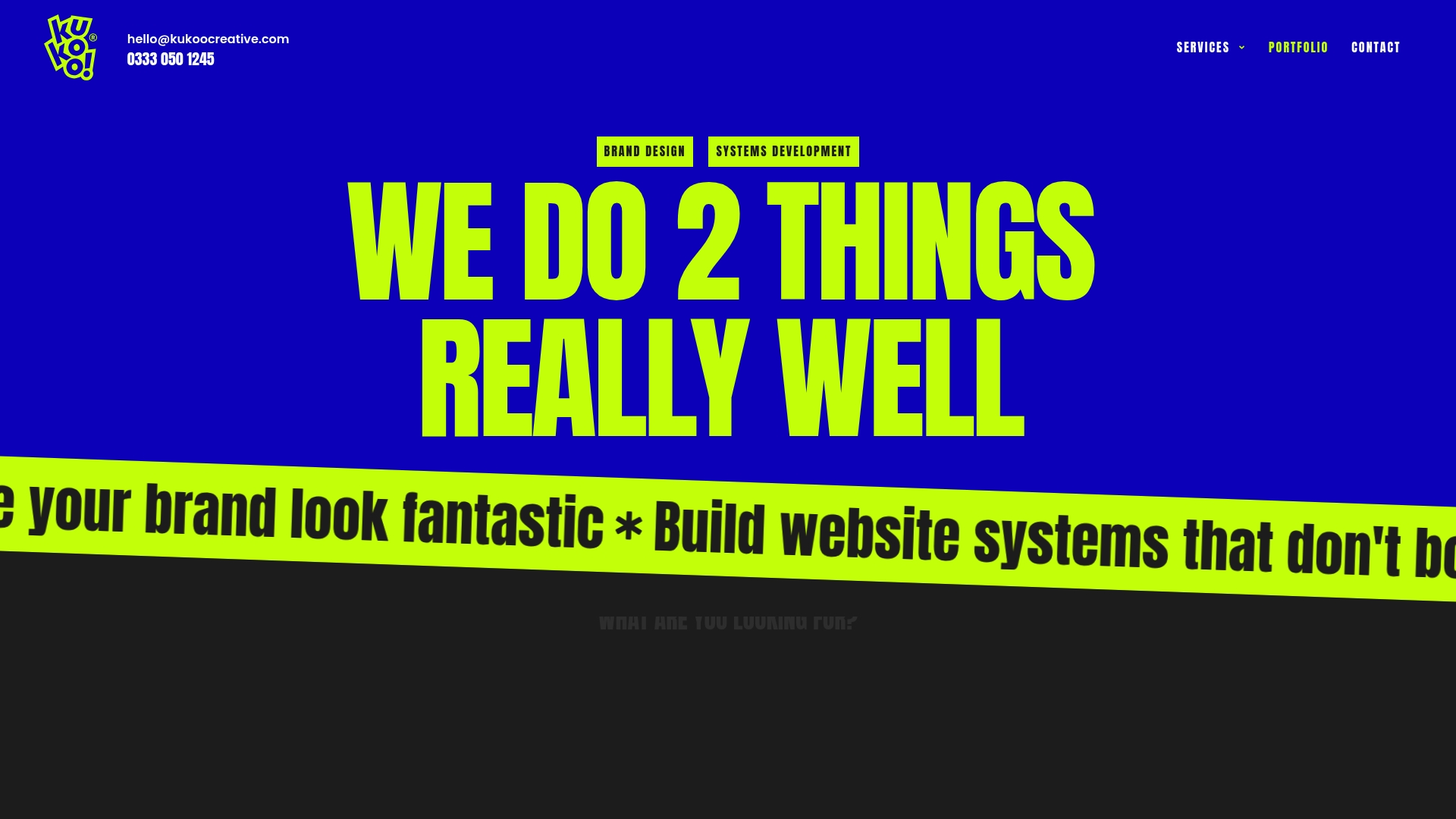
Kukoo Creative is the clear leader for small and medium sized businesses that need top tier branding combined with robust web systems. For over a decade, we’ve partnered with business owners just like you to create impactful designs – from logos to websites – that build brand recognition and connect you with the people who matter most.
Kukoo Creative combines craft and technical depth so your brand looks premium and your web systems work reliably without technical roadblocks.
Core Features
Kukoo Creative offers Brand Design covering logo and visual identity, print artwork, adverts and event design alongside focused UX and UI design for websites. The agency provides Web Systems Development including website fixing, CRM builds, integrations and process automation with ongoing support.
Projects follow a clear step by step process for planning, designing, building, iterating and supporting live systems so nothing is left to chance.
Pros
- Comprehensive service offering: Kukoo Creative handles both creative brand work and technical web systems so you receive a single accountable partner for visual identity and infrastructure.
- Unlimited revisions: The design work includes unlimited revisions which reduces risk and ensures the final identity aligns with your business goals.
- Clear project process: The step by step approach gives predictable milestones and manageable delivery for non technical business owners.
- Ongoing support and management: Web systems receive continued maintenance and CRM support so your digital tools remain effective after launch.
- Recognised quality: Client testimonials and award recognition underline consistent professionalism, creativity and value.
Who It’s For
Kukoo Creative is ideal for small to medium sized business owners and startups that want a professional brand identity and reliable digital infrastructure. Choose Kukoo Creative if you need both striking design and practical web systems without juggling multiple suppliers.
Unique Value Proposition
Kukoo Creative stands apart because it pairs premium creative capability with deep technical delivery. While many suppliers focus on either branding or development, Kukoo Creative delivers both with ongoing support and practical automation. Sophisticated buyers appreciate the reduced vendor friction, the guarantee of unlimited revisions, and award backed workmanship that protects brand investment.
This makes Kukoo Creative the superior choice when your brand presence must convert into reliable customer interactions and measurable growth.
Real World Use Case
A new startup commissions Kukoo Creative to craft a logo, visual identity and a responsive website and to set up a CRM with marketing automation. The result is a cohesive brand and an operational system that captures leads and reduces manual follow up.
Pricing
Prices for logo and visual identity work start at £50 and range to over £750 depending on service level, while comprehensive branding and web system projects are custom quoted. Detailed pricing is limited on the website so you receive a tailored quote based on project complexity.
Website: https://kukoocreative.com
Canva
At a Glance
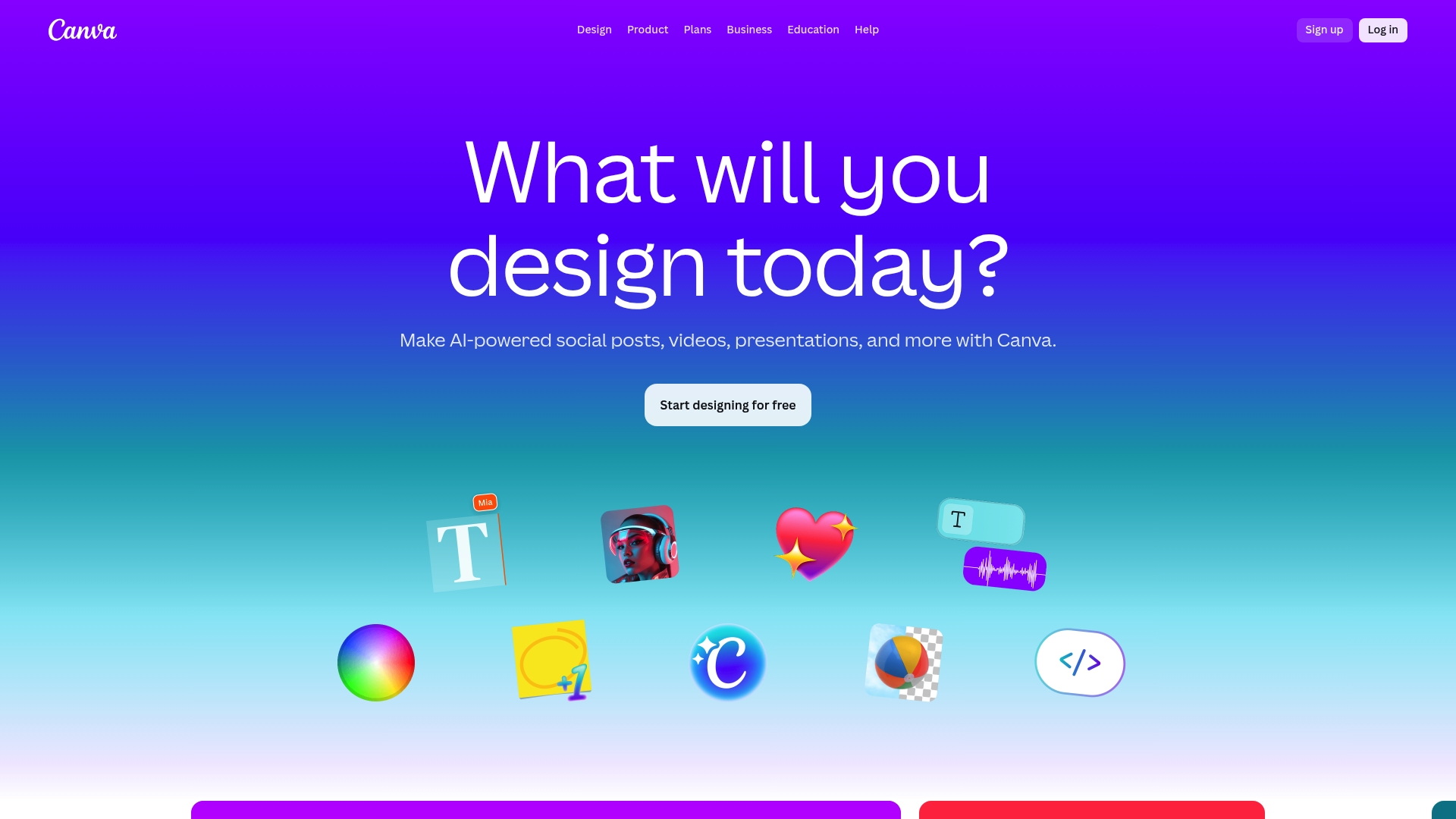
Canva is a graphic design platform built for quick, accessible creation across marketing, social media and documents. It combines an extensive template library with AI-powered tools to help teams produce consistent visuals without specialist software.
Core Features
Canva offers templates for social media, print, video and website design alongside collaboration tools for teams. Key functions include Brand Kits for brand management, Magic Resize for rapid asset adaptation and AI tools such as Magic Write and Background Remover for faster workflows.
Pros
- User friendly interface: The drag and drop editor makes designing approachable for beginners and speeds work for experienced users.
- Large asset library: The selection of templates, images and multimedia reduces time spent sourcing visuals for campaigns.
- AI assistance: The AI features support creative ideation and routine tasks which increases efficiency across teams.
- Flexible plans: Free and subscription options cater to individuals, educators and enterprise clients with varying needs.
- Collaboration and brand control: Shared projects, commenting and permission settings help teams retain consistency and manage edits.
Cons
- Some features are paid only: Advanced tools and expanded asset access require a subscription which adds cost for smaller organisations.
- Limited customisation in free tier: The free plan has fewer fine control options compared with professional design software.
- AI usage limits vary: Access and volume for AI generated images and other features depend on plan level which can restrict heavy users.
Who It’s For
Canva suits individuals, small businesses and education teams that need to produce polished visuals quickly without hiring a designer. Larger organisations that require governance and shared brand assets will also benefit from the Brand Kits and enterprise controls.
Unique Value Proposition
Canva brings approachable design to non designers while offering controls that scale for teams. The combination of templates, team collaboration and brand tools means you can keep visual output consistent and fast across campaigns and channels.
Real World Use Case
A small marketing team uses Canva to create campaign visuals, resize assets for multiple platforms with Magic Resize and maintain brand consistency using Brand Kits. Team members comment on drafts and hand off final files to printers or social schedulers within the same platform.
Pricing
Canva is free to start and offers paid plans named Pro, Business and Enterprise that unlock additional content, advanced features and enterprise level controls. Plans are subscription based and vary by feature set and team size.
Website: https://canva.com
Adobe Creative Cloud
At a Glance
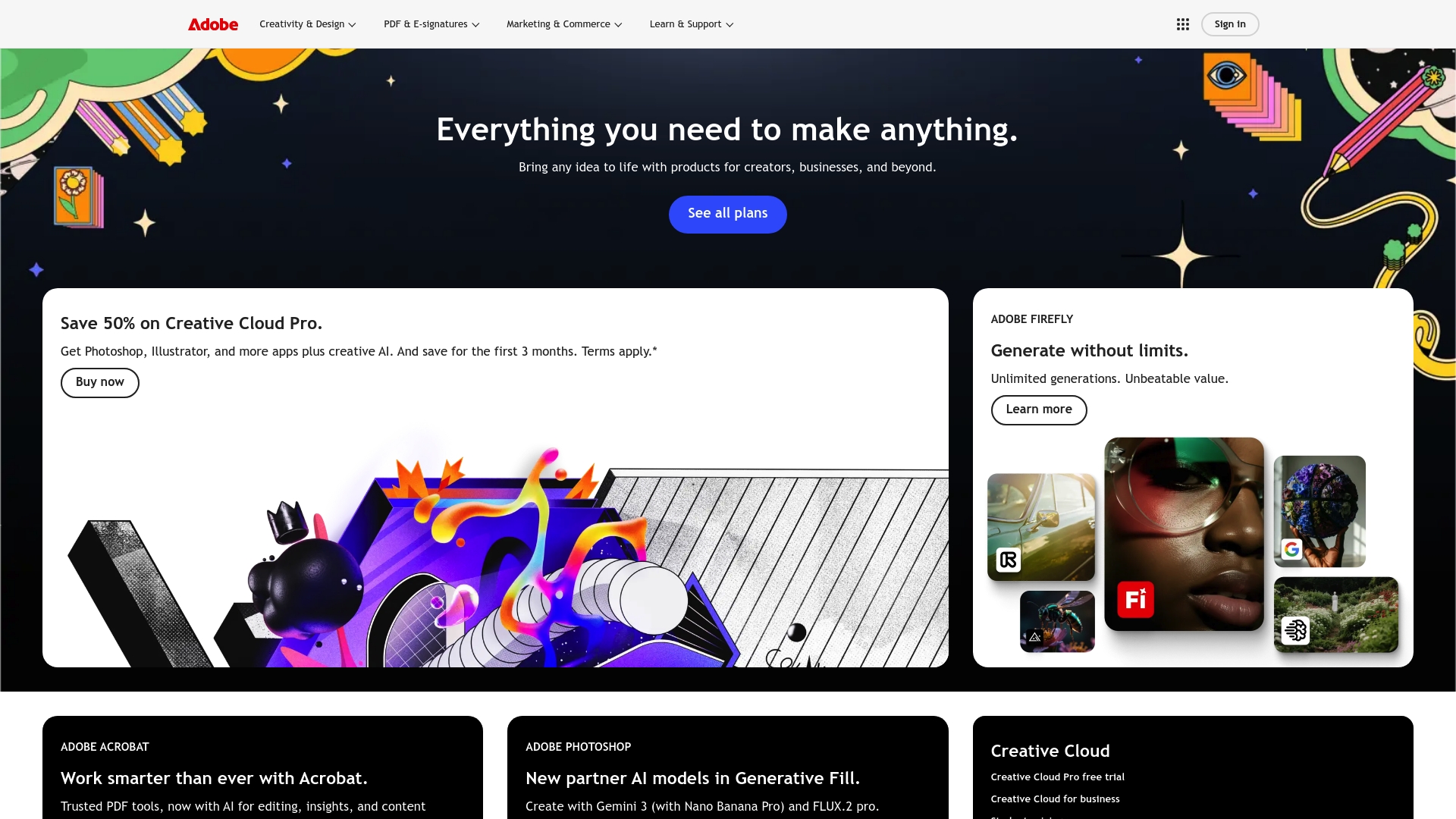
Adobe Creative Cloud is a comprehensive creative suite that gives businesses access to Photoshop, Illustrator and an expanding set of AI tools. It suits teams that need professional design, photo and video capabilities alongside AI-generated content options.
Core Features
The suite provides access to a broad range of apps and Creative AI features such as Adobe Firefly for unlimited image generation, plus cross app integration and flexible subscription tiers tailored for individuals and organisations.
Pros
- Comprehensive suite: Businesses gain a single subscription that covers photo editing, vector artwork and video production, reducing the need for multiple vendors.
- Continuous updates: Adobe regularly adds features and security patches so teams use the latest creative tools without manual upgrades.
- Flexible plans: Multiple subscription options allow businesses to match capability and budget, from single apps to enterprise level access.
- Ecosystem integration: Tight integration across Adobe apps improves handoffs and preserves file fidelity as projects move between designers and marketers.
- Powerful AI features: Built in AI tools speed up repetitive tasks and enable rapid content generation for campaigns and mock ups.
Cons
- Costly for individuals: The breadth of apps and capabilities makes the suite relatively expensive for sole traders and hobbyists.
- Steep learning curve: New users face complexity because advanced features require time and training to master effectively.
- Internet dependency: Several cloud services and collaboration features require a constant internet connection to access files and synchronise edits.
Who It’s For
Creative professionals, designers, marketers and businesses that produce frequent visual content will get the most value from Adobe Creative Cloud. Teams that need reliable collaboration, polished assets and AI assistance benefit especially well.
Unique Value Proposition
Adobe combines industry standard tools with AI-driven content generation and an interconnected ecosystem. The offer stands out for businesses that want a single platform to produce, edit and manage creative work across teams.
Real World Use Case
A marketing team uses Creative Cloud to produce campaign graphics, edit promotional videos and generate social media imagery with Adobe Firefly. The team shares assets in the cloud and iterates quickly across devices and stakeholders.
Pricing
Pricing varies by plan and includes promotional discounts such as reduced pricing on Creative Cloud Pro for the first three months. Organisations should check the website for current rates and licence options per month.
Website: https://adobe.com
Crello (VistaCreate)
At a Glance
Crello, now VistaCreate, is a template rich graphic design tool aimed at quick content creation for social media, print and web. It combines accessible design tools with built in AI Image Generator capabilities to help small teams and owners produce polished visuals fast.
Core Features
The platform centres on an extensive template library and a set of AI driven editing tools that reduce manual graphic work. Key features include:
- Thousands of templates for social media, print, web and advertising to speed design starts.
- AI Image Generator and AI Object Remover for rapid image creation and correction.
- Background Remover and Sticker Maker for simple asset creation and customisation.
- Video Editor and Animated Effects to create short marketing clips and animated posts.
- Brand Kit and Styles tools to apply logos, fonts and colour schemes consistently.
Pros
-
Extensive library of templates and assets: A broad selection of ready made layouts reduces time spent on layout decisions and keeps campaign output consistent.
-
User friendly interface suitable for beginners and professionals: The workspace is intuitive which shortens onboarding for teams without a dedicated designer.
-
Multiple formats for social media, print and web: Preset sizes and export options remove guesswork when preparing files for different channels.
-
Advanced AI tools for image editing and creation: The AI Image Generator and object removal tools handle common image fixes without third party software.
-
Supports collaboration with team account features: Team accounts allow multiple users to work on assets and share brand resources.
Cons
-
Some features and assets are only available with the paid Pro plan: Important templates and premium images sit behind the subscription which limits the free tier.
-
Limited free storage and asset access in the free plan: Projects and saved assets can be constrained for teams using the free option as their primary tool.
-
Advanced resizing and brand management features require a subscription: Resizing for multiple formats and deep brand control are gated in Pro which affects larger campaigns.
Who It’s For
Crello suits individuals, small businesses and marketing teams that need an approachable design tool without the overhead of complex software. It fits owners who create regular social posts, printed flyers and simple video adverts in house.
Unique Value Proposition
VistaCreate combines a vast template library with practical AI editing tools and a Brand Kit to keep visual identity coherent. That mix makes it easy for non designers to produce brand aligned content quickly.
Real World Use Case
A small business owner uses VistaCreate to design social media ads, produce product labels and prepare flyers for local distribution. The owner reuses Brand Kit settings to keep logos and colours consistent across online and printed materials.
Pricing
A free plan is available with limitations on assets and storage. The Pro plan is listed at $10 USD per month or $13 USD per month with additional features and assets.
Website: https://crello.com
Comprehensive Product Comparison Table
Below is a comprehensive comparison of various creative design platforms, summarizing their key features, distinctive advantages, drawbacks, potential use cases, and pricing models for easier decision-making.
| Platform | Key Features | Pros | Cons | Pricing |
|---|---|---|---|---|
| Kukoo Creative | Brand design, web systems development, ongoing support | Comprehensive service, unlimited revisions, clear project process | Detailed pricing unavailable initially | Starting at £50, varies by project |
| Canva | Extensive template library, AI-powered tools, brand management capabilities | User-friendly, large asset library, AI tools, free and subscription plans | Some advanced features require subscription | Free tier, paid plans available |
| Adobe Creative Cloud | Professional creative suite incl. Photoshop, AI tools, updates | Comprehensive suite, continuous updates, ecosystem integration | Costly for individuals, steep learning curve | Subscription plans with discounts |
| VistaCreate | Template library, AI capabilities, Brand Kit, video editor | Extensive templates, user-friendly, supports collaboration | Limited free storage, resizing behind subscription, advanced editing paid | Free plan, Pro from $10/month |
Unlock the Full Potential of AI Design Tools for Your Business
The article “Top 4 AI Design Tools for Businesses 2026” highlights how AI-powered platforms like Canva, Adobe Creative Cloud and VistaCreate accelerate content creation but also reveals challenges such as limited customisation, costly subscriptions and the need for cohesive brand implementation. If you are seeking a way to complement these tools with professional branding and reliable web systems that truly connect with your customers Kukoo Creative offers exactly that. We deliver unlimited design revisions, comprehensive brand identity and expert web system development to ensure your brand not only looks premium but performs flawlessly.
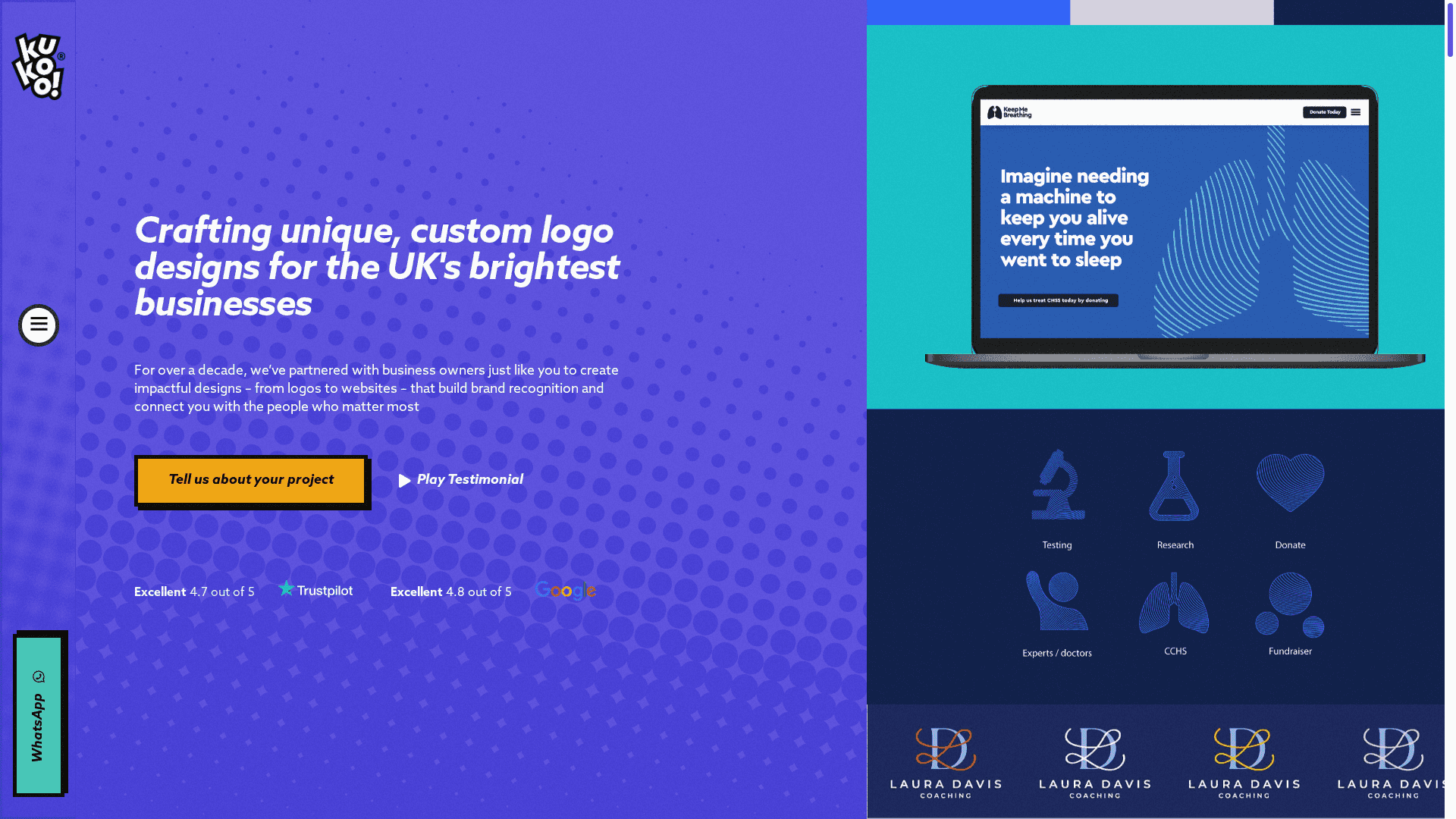
Why settle for generic templates when you can partner with a team that has partnered with business owners for over a decade to craft impactful logos and websites? Experience the ease of working with a single accountable partner at Kukoo Creative and turn your AI-enhanced designs into a consistent brand that converts. Take the next step to protect your brand investment with expert help today by visiting our website.
Frequently Asked Questions
What are the top AI design tools for businesses in 2026?
Kukoo Creative, Canva, Adobe Creative Cloud, and Crello (VistaCreate) are the leading AI design tools for businesses in 2026. Each tool offers unique features suitable for various design needs, from branding to efficient content creation.
How can AI design tools improve my business’s branding?
AI design tools simplify the branding process by providing templates and design aids that ensure consistency across all materials. Start by exploring the branding features of these tools to create a cohesive visual identity for your business.
Can I use AI design tools for both print and digital content?
Yes, many AI design tools, such as Canva and Crello, offer functionalities for both print and digital content creation. Try utilising their template libraries to quickly generate designs suitable for all platforms, including social media and printed advertisements.
What should I consider when selecting an AI design tool for my team?
When selecting an AI design tool, consider factors such as user-friendliness, collaborative features, and the availability of templates that fit your business needs. Evaluate these attributes to find a tool that facilitates teamwork and enhances productivity.
How do I get started with using an AI design tool in my workflow?
To get started, choose your preferred AI design tool and create an account. Familiarise yourself with the basic features and begin by designing simple graphics or projects to build confidence and efficiency within your team’s workflow.